Vai al contenuto principale
FotocameraX100 SERIES2020

Fujifilm X100V

Fujifilm X100V film simulation recipes give this fixed-lens compact a finished, film-style look straight from the camera. FujiPic lists 33 recipes tested on its 26.1 MP X-Trans IV sensor, using simulations such as Classic Negative, Eterna and Acros. Everyday and travel photographers who carry one small camera can skip editing and share images sooner.
33
Ricette compatibili
18
Simulazioni pellicola
26.1 MP
Sensore
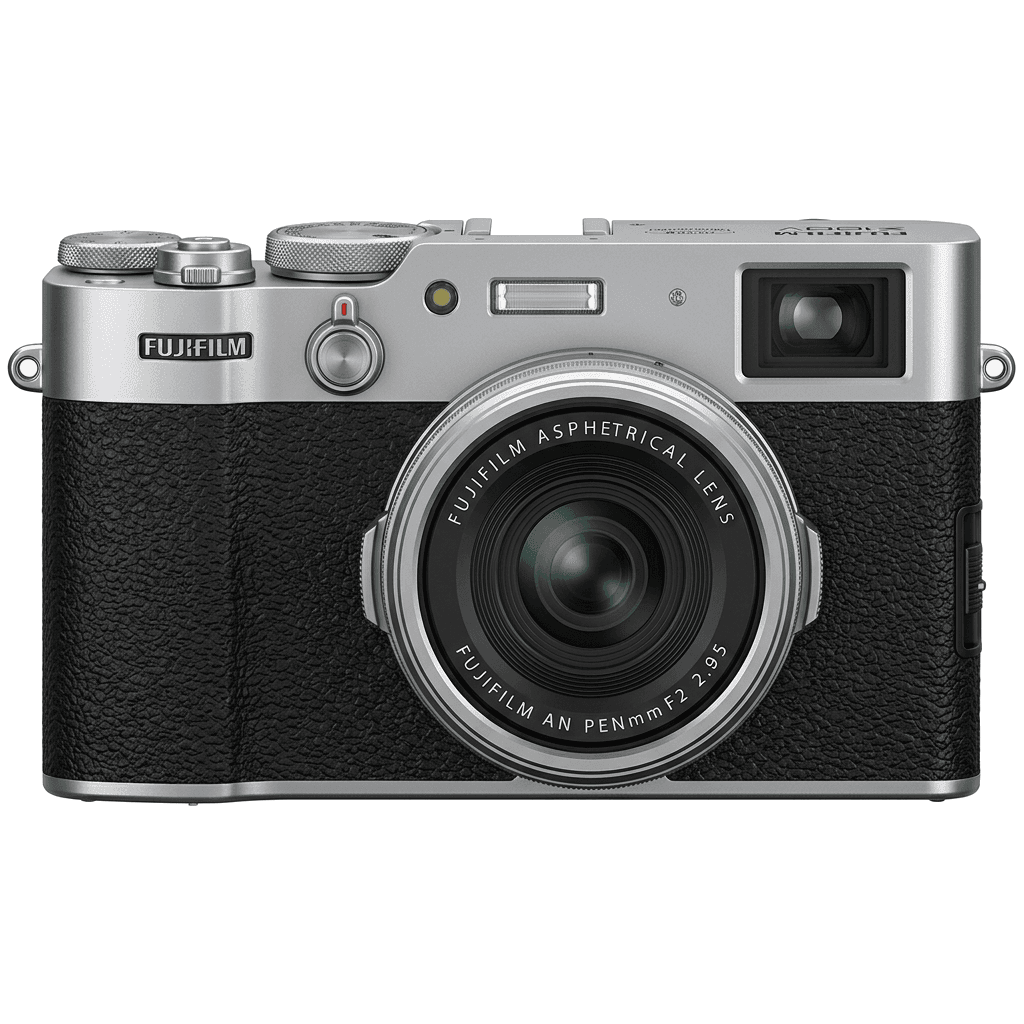
X100V studio product photo
Specifiche rapide

Cosa c'è dentro la X100V.

Ogni ricetta su FujiPic è provata proprio su questo corpo. Scheda tecnica direttamente da Fujifilm, con le nostre note sulle funzioni che contano per le simulazioni pellicola.

Scheda tecnica completa ↗
Famiglia di sensori

La X100V usa il X-Trans IV - scopri cosa rende speciale questo sensore.

Vedi il sensore →
Ricette per questa fotocamera

33 ricette tarate per la X100V.

Vedi tutte ↗
Note di configurazione

Tre cose da sapere prima di applicare una ricetta.

  1. 01

    Aggiorna il firmware

    Assicurati che la tua X100V abbia il firmware più recente: le ricette nuove usano parametri che i firmware vecchi non espongono.

  2. 02

    Usa gli slot C

    Salva ogni ricetta in un preset personalizzato C1–C7. Poi passi da una all'altra dal menu Q, senza reinserire i valori.

  3. 03

    Bilanciamento del bianco auto

    La maggior parte delle ricette FujiPic usa il bilanciamento automatico con uno scostamento in kelvin. Imposta lo scostamento e lascia la temperatura alla fotocamera.

Domande frequenti

Su questa fotocamera.

The X100V works with the X-Trans IV recipes linked from the FujiPic home page, and 33 are listed for it. Examples include Marigold Afternoon on Classic Negative and Vintage Daylight on Eterna, both tested on the X100V's 26.1 MP X-Trans IV sensor.
The X100V recipes in our X100V recipes guide and on FujiPic use ten film simulations: Classic Negative, Classic Chrome, Eterna, Velvia, Astia, Acros, Acros+Y, Monochrome, Provia and Sepia. Classic Negative appears most often, and each recipe card names the simulation it starts from.
Open Image Quality Setting, choose Edit/Save Custom Setting, pick a C1 to C7 slot, where you can save up to seven recipes, and enter the values. Name the slot after the recipe, then switch between saved looks from the Q menu.
Fotocamere simili

Se scatti con la X100V, ti piaceranno...