CameraX-T SERIES2021

Fujifilm X-T30 II

These Fujifilm X-T30 II film simulation recipes are tested settings for the compact DSLR-style body and its 26.1 MP X-Trans IV sensor. FujiPic lists 38, drawn from the camera's 18 film simulations. They suit beginners who want styled JPEGs without editing. Clarity is available too, so a recipe that lists it can be entered in full.
38
Compatible Recipes
18
Film Simulations
26.1 MP
Sensor
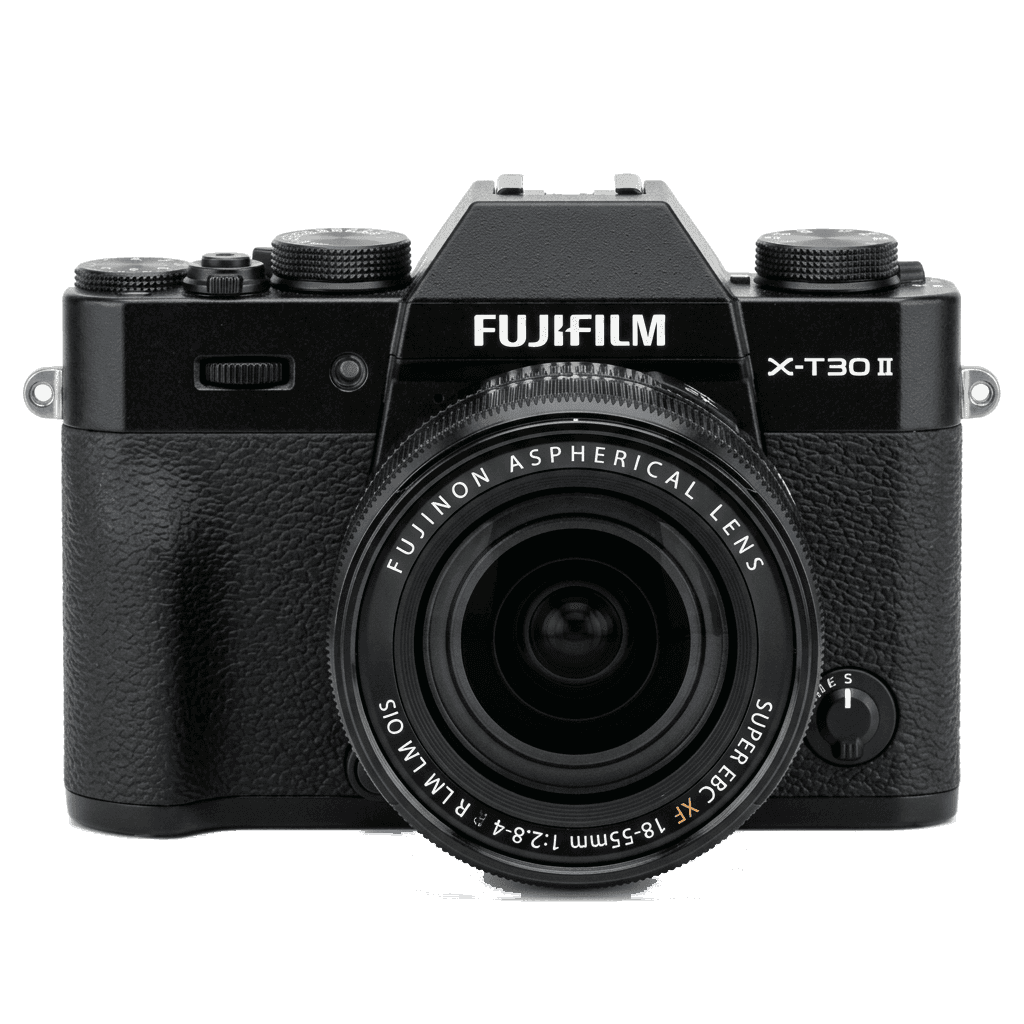
X-T30 II studio product photo
Quick specs

What's inside the X-T30 II.

Every recipe on FujiPic is tested against this exact body. Spec sheet straight from Fujifilm, with our notes on which features matter for film simulation work.

Full datasheet ↗
Sensor family

X-T30 II uses the X-Trans IV - read what makes this sensor special.

Explore sensor →
Recipes for this camera

38 recipes tuned for X-T30 II.

View all ↗
Setup notes

Three things to know before applying a recipe.

  1. 01

    Update firmware

    Make sure your X-T30 II is on the latest firmware - newer recipes use parameters that older firmware does not expose.

  2. 02

    Use C-slots

    Save each recipe to a C1-C7 custom preset. Switch between them instantly via the Q menu instead of re-entering values.

  3. 03

    Auto white balance

    Most FujiPic recipes use Auto White Balance with a kelvin shift. Set the shift; let the camera handle the temp.


FAQ

About this camera.

The X-T30 II supports X-Trans IV recipes like Classic Negative and Eterna, but lacks Clarity.
No, the X-T30 II does not feature in-body image stabilisation, relying instead on lens-based stabilisation.
Select 'Edit/Save Custom Setting' in the menu, choose a slot (C1–C7), input your settings, and name it.
The X-T30 II offers 18 film simulations, and its 38 recipes draw on options such as Classic Negative, Eterna, Classic Chrome and Acros. Each card names its base simulation, so you can set that before the white balance shift and other values.
Yes. The X-T30 II and the X-E4 share a 26.1 MP X-Trans IV sensor, and FujiPic lists 38 recipes for each. A shared recipe should look the same on both bodies, since both offer the same settings, Clarity included.
Yes. Set Image Quality to FINE+RAW or NORMAL+RAW and the X-T30 II records both files. A recipe in one of the seven custom slots shapes only the JPEG, while the RAW file keeps full sensor data for a different edit later.
Similar cameras

If you shoot the X-T30 II, you'll like...