Zum Hauptinhalt springen
KameraX100 SERIES2020

Fujifilm X100V

Fujifilm X100V film simulation recipes give this fixed-lens compact a finished, film-style look straight from the camera. FujiPic lists 33 recipes tested on its 26.1 MP X-Trans IV sensor, using simulations such as Classic Negative, Eterna and Acros. Everyday and travel photographers who carry one small camera can skip editing and share images sooner.
33
Kompatible Rezepte
18
Filmsimulationen
26.1 MP
Sensor
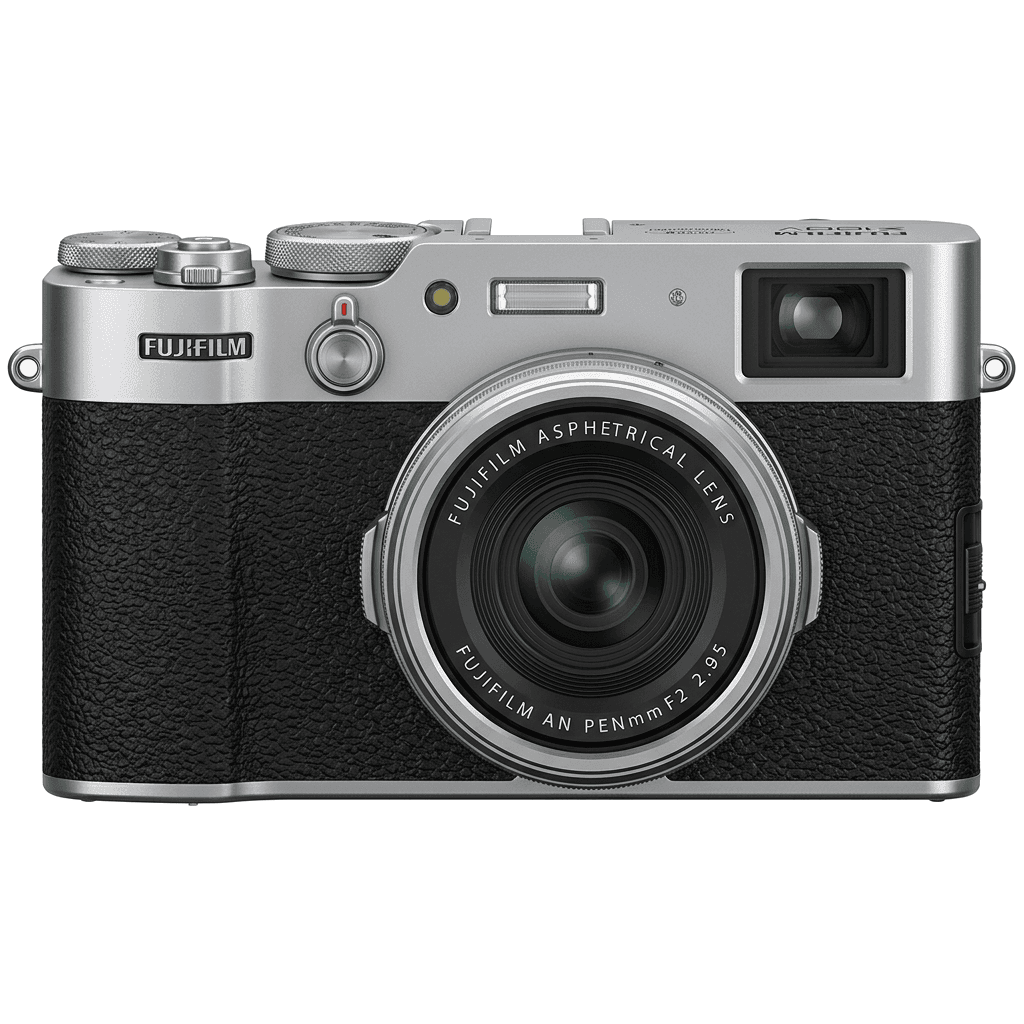
X100V studio product photo
Kurzdaten

Was in der X100V steckt.

Jedes Rezept auf FujiPic wurde an genau diesem Gehäuse getestet. Datenblatt direkt von Fujifilm, mit unseren Anmerkungen zu den Funktionen, die für Filmsimulationen zählen.

Vollständiges Datenblatt ↗
Sensorfamilie

X100V nutzt den X-Trans IV - lies, was diesen Sensor besonders macht.

Sensor ansehen →
Rezepte für diese Kamera

33 Rezepte, abgestimmt auf die X100V.

Alle ansehen ↗
Einrichtung

Drei Dinge, die du wissen solltest, bevor du ein Rezept anwendest.

  1. 01

    Firmware aktualisieren

    Stelle sicher, dass deine X100V auf der neuesten Firmware läuft - neuere Rezepte nutzen Parameter, die ältere Firmware nicht anbietet.

  2. 02

    C-Speicherplätze nutzen

    Speichere jedes Rezept auf einem C1–C7-Preset. So wechselst du über das Q-Menü sofort, statt Werte neu einzugeben.

  3. 03

    Automatischer Weißabgleich

    Die meisten FujiPic-Rezepte nutzen den automatischen Weißabgleich mit Kelvin-Verschiebung. Stelle die Verschiebung ein und überlass der Kamera die Temperatur.

FAQ

Über diese Kamera.

The X100V works with the X-Trans IV recipes linked from the FujiPic home page, and 33 are listed for it. Examples include Marigold Afternoon on Classic Negative and Vintage Daylight on Eterna, both tested on the X100V's 26.1 MP X-Trans IV sensor.
The X100V recipes in our X100V recipes guide and on FujiPic use ten film simulations: Classic Negative, Classic Chrome, Eterna, Velvia, Astia, Acros, Acros+Y, Monochrome, Provia and Sepia. Classic Negative appears most often, and each recipe card names the simulation it starts from.
Open Image Quality Setting, choose Edit/Save Custom Setting, pick a C1 to C7 slot, where you can save up to seven recipes, and enter the values. Name the slot after the recipe, then switch between saved looks from the Q menu.
Ähnliche Kameras

Wenn du die X100V fotografierst, gefällt dir sicher...