CameraX-PRO SERIES2019

Fujifilm X-Pro3

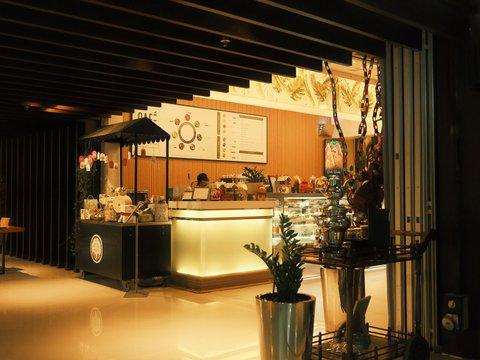
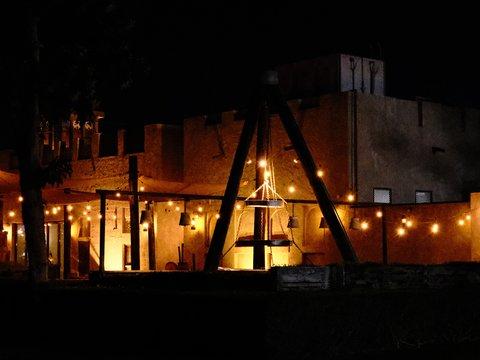
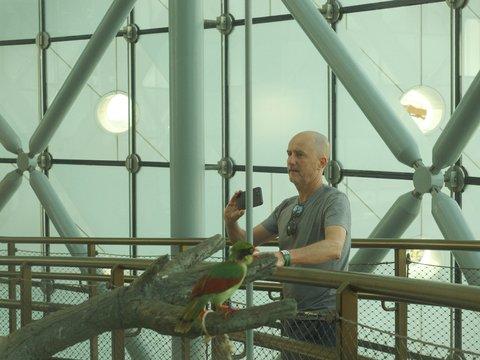
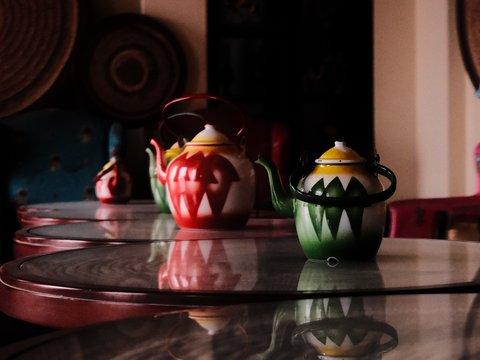
On a rangefinder-style body, Fujifilm X-Pro3 film simulation recipes let the camera finish each JPEG for you. FujiPic has tested 32 X-Pro3 recipes on its 26.1 MP X-Trans IV sensor, including Marigold Afternoon and Warm Night. Street and travel shooters can save a look to a custom slot and skip editing, with consistent results frame to frame.
32
Compatible Recipes
18
Film Simulations
26.1 MP
Sensor
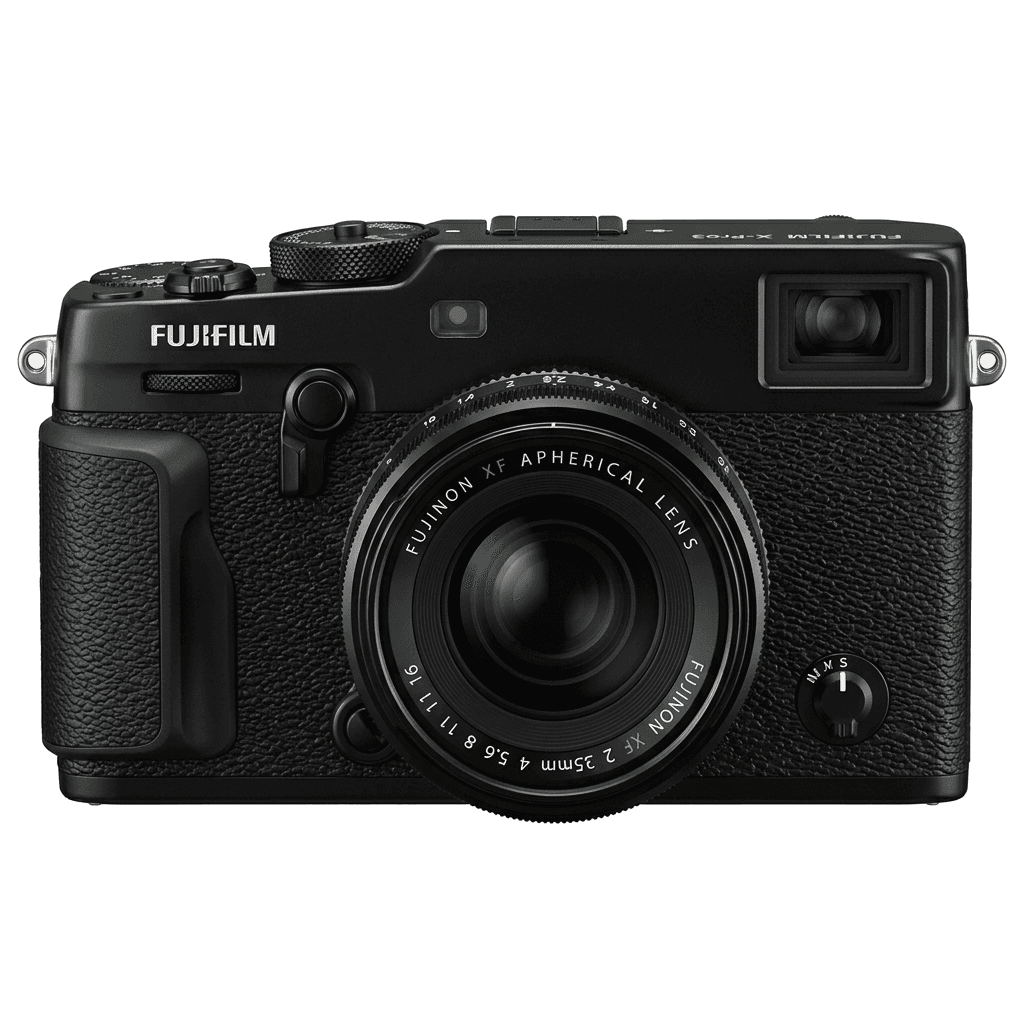
X-Pro3 studio product photo
Quick specs

What's inside the X-Pro3.

Every recipe on FujiPic is tested against this exact body. Spec sheet straight from Fujifilm, with our notes on which features matter for film simulation work.

Full datasheet ↗
Sensor family

X-Pro3 uses the X-Trans IV - read what makes this sensor special.

Explore sensor →
Recipes for this camera

32 recipes tuned for X-Pro3.

View all ↗
Setup notes

Three things to know before applying a recipe.

  1. 01

    Update firmware

    Make sure your X-Pro3 is on the latest firmware - newer recipes use parameters that older firmware does not expose.

  2. 02

    Use C-slots

    Save each recipe to a C1-C7 custom preset. Switch between them instantly via the Q menu instead of re-entering values.

  3. 03

    Auto white balance

    Most FujiPic recipes use Auto White Balance with a kelvin shift. Set the shift; let the camera handle the temp.


FAQ

About this camera.

The X-Pro3 supports X-Trans IV recipes, including Classic Negative and Eterna. However, early X-Trans IV features like Clarity and Grain Size are not available.
No, the X-Pro3 lacks in-body image stabilisation, so lens-based stabilisation or a tripod is recommended for steady shots.
Go to the menu, select Edit/Save Custom Setting, pick a slot, adjust settings, and save your recipe configuration.
The Fujifilm X-Pro3 offers 18 film simulations. The 32 X-Pro3 recipes in the FujiPic recipe library draw on several of them, including Classic Negative, Classic Chrome, Eterna, Velvia, Astia and Acros. Each recipe card here names its base simulation.
Many X-Trans V recipes can be entered on the X-Pro3, but results can differ on its earlier X-Trans IV sensor and processor. For predictable results, choose recipes tested on X-Trans IV cameras like the X-Pro3, and see Color Chrome Effect explained.
Start with an early recipe here, such as Marigold Afternoon or Vintage Daylight, for daylight scenes. For evenings, try Warm Night. After setting up all seven custom slots, save each to its own slot to compare them on the same walk.
Similar cameras

If you shoot the X-Pro3, you'll like...