
Vai al contenuto principale
FotocameraGFX SERIES2019

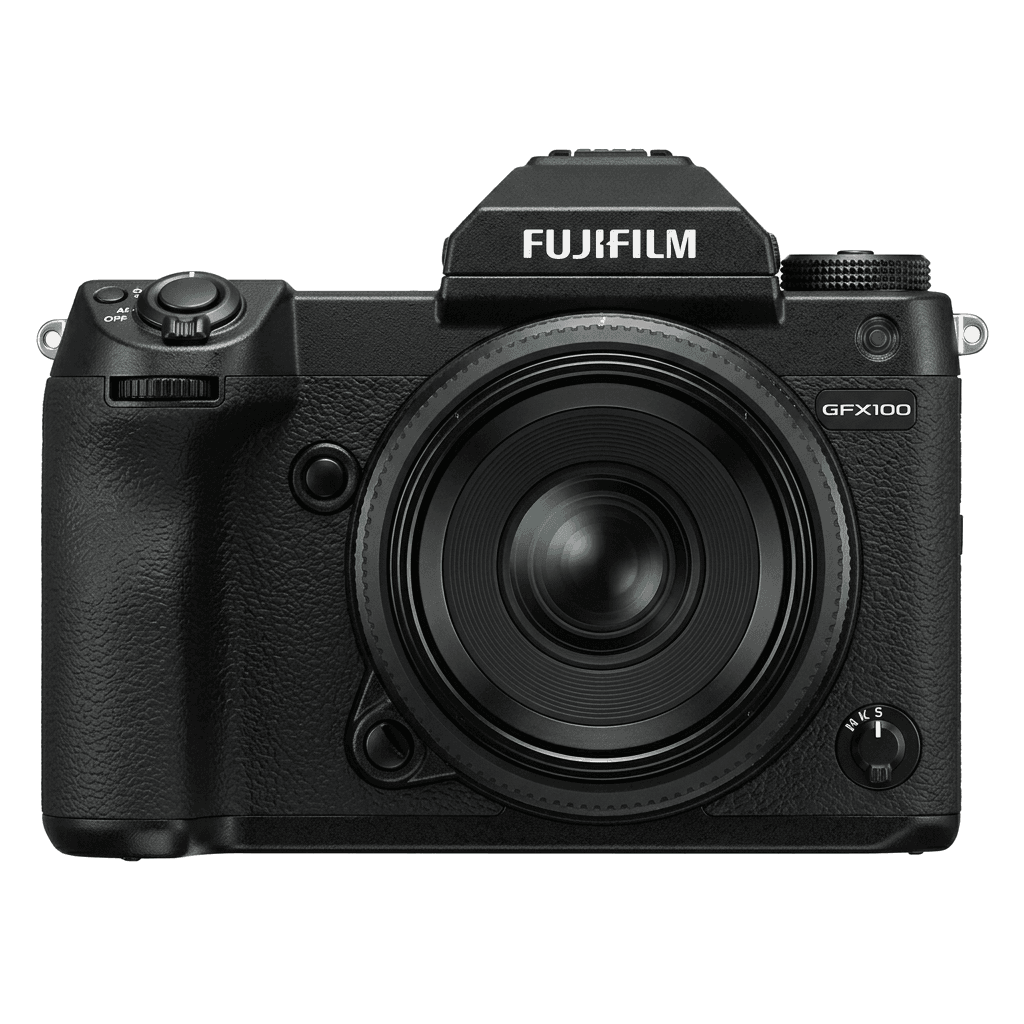
Fujifilm GFX100

Fujifilm GFX100 film simulation recipes turn the 102 MP medium-format GFX sensor into a finished JPEG workflow. FujiPic lists six tested GFX100 recipes built on Classic Chrome, PRO Neg. Std, PRO Neg. Hi and Acros. They suit owners who want very detailed files without editing sessions. Each look saves to a custom slot, so switching styles takes seconds.
6
Ricette compatibili
20
Simulazioni pellicola
102 MP
Sensore
GFX100 studio product photo
Specifiche rapide

Cosa c'è dentro la GFX100.

Ogni ricetta su FujiPic è provata proprio su questo corpo. Scheda tecnica direttamente da Fujifilm, con le nostre note sulle funzioni che contano per le simulazioni pellicola.

Scheda tecnica completa ↗
Famiglia di sensori

La GFX100 usa il GFX - scopri cosa rende speciale questo sensore.

Vedi il sensore →
Ricette per questa fotocamera

6 ricette tarate per la GFX100.

Vedi tutte ↗
Note di configurazione

Tre cose da sapere prima di applicare una ricetta.

  1. 01

    Aggiorna il firmware

    Assicurati che la tua GFX100 abbia il firmware più recente: le ricette nuove usano parametri che i firmware vecchi non espongono.

  2. 02

    Usa gli slot C

    Salva ogni ricetta in un preset personalizzato C1–C7. Poi passi da una all'altra dal menu Q, senza reinserire i valori.

  3. 03

    Bilanciamento del bianco auto

    La maggior parte delle ricette FujiPic usa il bilanciamento automatico con uno scostamento in kelvin. Imposta lo scostamento e lascia la temperatura alla fotocamera.


Domande frequenti

Su questa fotocamera.

The GFX100 supports recipes from the X-Processor 4 generation, offering a broad range of film simulations.
Yes, the GFX100 features 5-axis IBIS providing up to 5.5 stops of stabilisation.
Access the menu, navigate to 'Edit/Save Custom Setting', choose a slot, and input your recipe.
The Fujifilm GFX100's six FujiPic recipes use four of its film simulations: Classic Chrome for three looks, plus PRO Neg. Std, PRO Neg. Hi and Acros. Each page names the base simulation before you save recipes to the C1–C7 slots.
Often, if the GFX100 offers the same film simulation and settings. Results can still differ, because the GFX sensor renders tone differently from X-Trans bodies. Start with the six GFX100-tested recipes, and learn how Color Chrome Effect works before trying others.
Many can be entered, as both use a 102 MP GFX sensor. Some newer settings may be missing, and FujiPic has tested only six recipes on the GFX100. Check each recipe's tested cameras, or browse film simulation recipes for every Fujifilm body.
Fotocamere simili

Se scatti con la GFX100, ti piaceranno...