
跳到主要内容
相机GFX SERIES2023

Fujifilm GFX100 II

Fujifilm GFX100 II film simulation recipes give a 102 MP medium-format file a finished look the moment it hits the card. FujiPic has tested 52 GFX100 II recipes across the body's 20 film simulations. Landscape, portrait and studio photographers who work with large files can cut down on raw editing and still keep one consistent style.
52
兼容配方
20
胶片模拟
102 MP
传感器
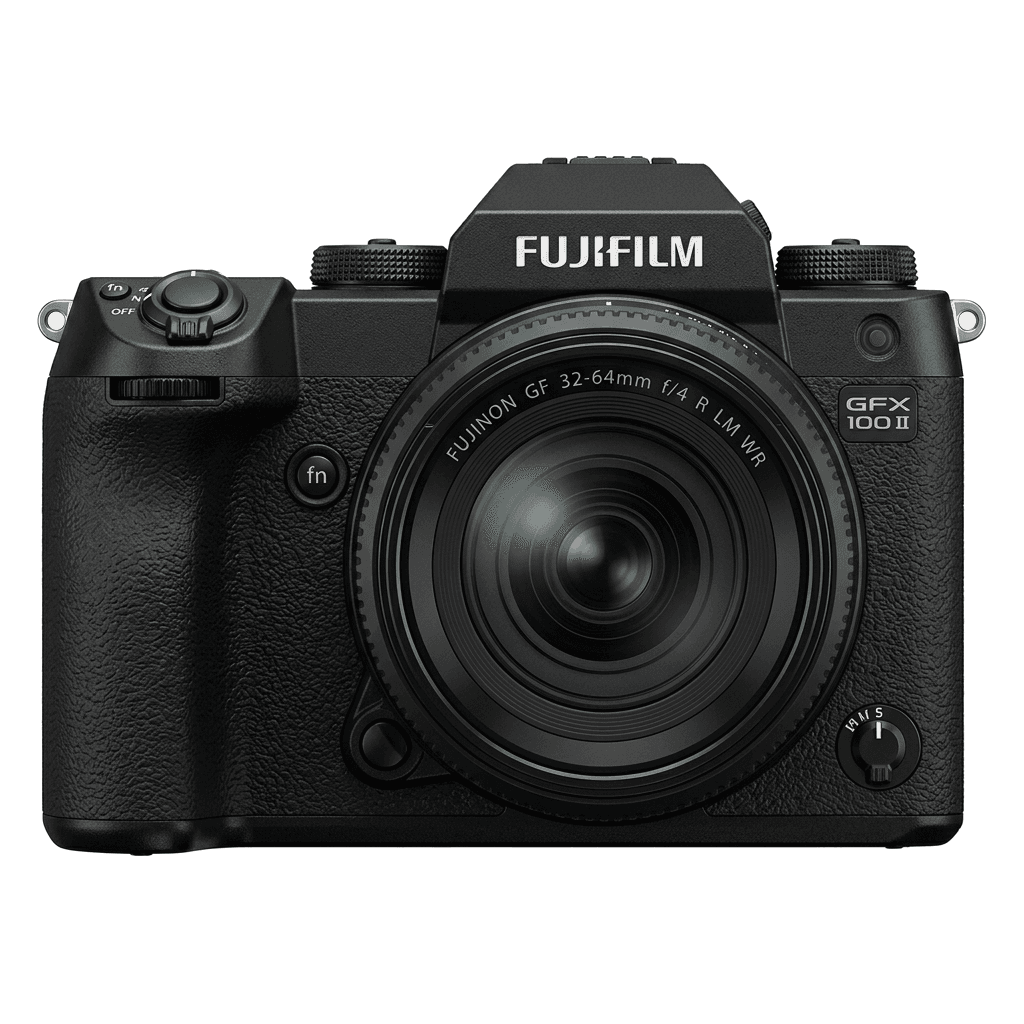
GFX100 II studio product photo
核心规格

GFX100 II 的内在。

FujiPic 上的每个配方都在这台机身上实测过。规格取自富士官方数据,并附上我们对胶片模拟相关功能的说明。

完整规格表 ↗
传感器系列

GFX100 II 使用 GFX —— 看看这颗传感器有何特别。

了解传感器 →
这台相机的配方

为 GFX100 II 调校的 52 个配方。

查看全部 ↗
设置提示

套用配方前要知道的三件事。

  1. 01

    更新固件

    请确保你的 GFX100 II 已升级到最新固件——较新的配方会用到旧固件里没有的参数。

  2. 02

    善用 C 档位

    把每个配方存进 C1–C7 自定义预设。之后通过 Q 菜单即可秒切,无需重新输入数值。

  3. 03

    自动白平衡

    FujiPic 的多数配方使用自动白平衡加色温偏移。设定偏移量即可,色温交给相机处理。

常见问题

关于这台相机。

The GFX100 II can use all film-simulation recipes available in the GFX line, offering diverse creative options.
Yes, the GFX100 II features 5-axis in-body image stabilisation with up to 8 stops of correction.
Use the 'Q' menu to select a custom slot, choose 'Edit/Save Custom Setting', adjust settings, and save.
You can enter X-Trans recipe values on the GFX100 II, but results may not match. GFX sensors are a different family, so tones and grain can render differently. Use recipes tested on GFX bodies and store them in a seven-slot C1–C7 setup.
The GFX100 II has seven custom setting slots, C1 to C7. Each holds one full recipe, from film simulation, white balance shift, tone and grain to Color Chrome settings (worth knowing how Color Chrome Effect works), so you can switch looks quickly.
Yes, for many shooters. The recipe shapes the JPEG; the raw file keeps the full 102 MP data for later edits. If a look misses, reprocess the raw in camera with another recipe from the FujiPic recipe finder instead of reshooting.
相似机型

如果你用 GFX100 II,也许会喜欢……