
Zum Hauptinhalt springen
KameraGFX SERIES2019

Fujifilm GFX100

Fujifilm GFX100 film simulation recipes turn the 102 MP medium-format GFX sensor into a finished JPEG workflow. FujiPic lists six tested GFX100 recipes built on Classic Chrome, PRO Neg. Std, PRO Neg. Hi and Acros. They suit owners who want very detailed files without editing sessions. Each look saves to a custom slot, so switching styles takes seconds.
6
Kompatible Rezepte
20
Filmsimulationen
102 MP
Sensor
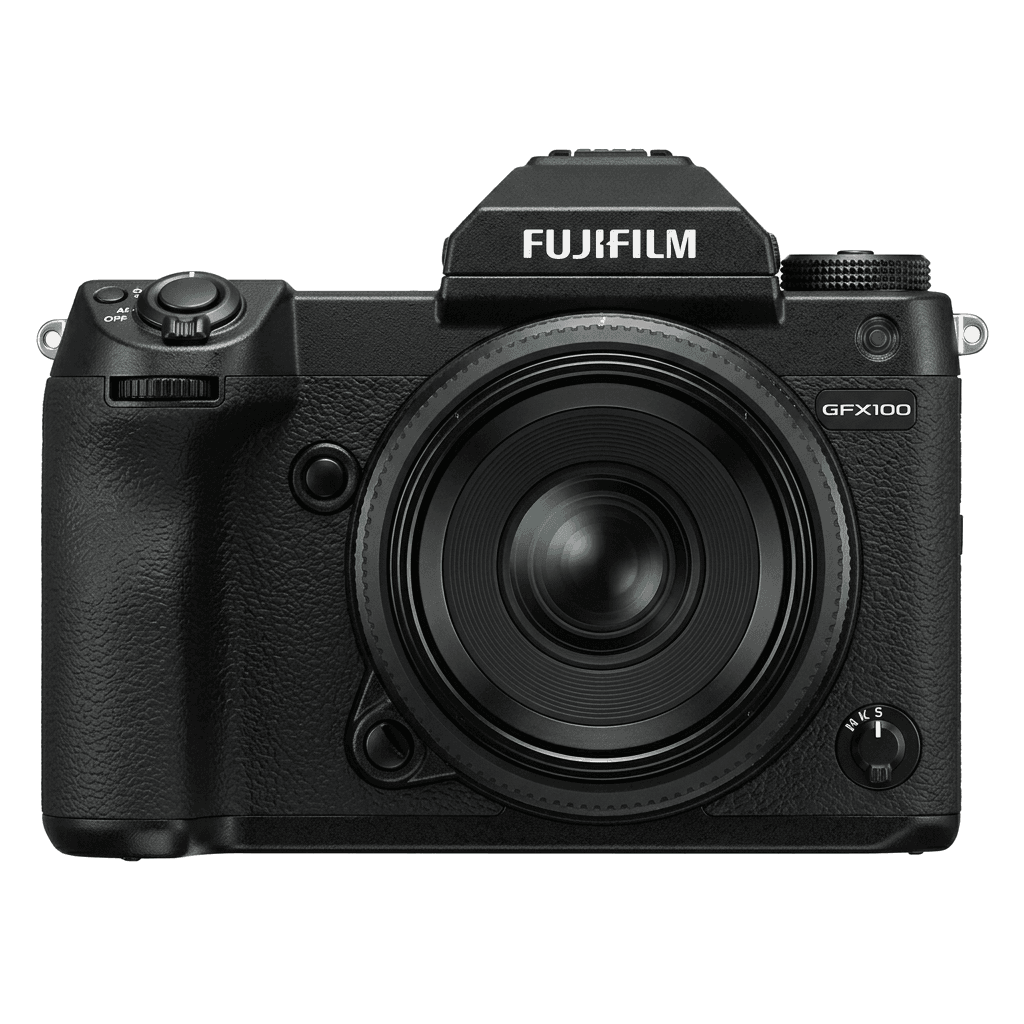
GFX100 studio product photo
Kurzdaten

Was in der GFX100 steckt.

Jedes Rezept auf FujiPic wurde an genau diesem Gehäuse getestet. Datenblatt direkt von Fujifilm, mit unseren Anmerkungen zu den Funktionen, die für Filmsimulationen zählen.

Vollständiges Datenblatt ↗
Sensorfamilie

GFX100 nutzt den GFX - lies, was diesen Sensor besonders macht.

Sensor ansehen →
Rezepte für diese Kamera

6 Rezepte, abgestimmt auf die GFX100.

Alle ansehen ↗
Einrichtung

Drei Dinge, die du wissen solltest, bevor du ein Rezept anwendest.

  1. 01

    Firmware aktualisieren

    Stelle sicher, dass deine GFX100 auf der neuesten Firmware läuft - neuere Rezepte nutzen Parameter, die ältere Firmware nicht anbietet.

  2. 02

    C-Speicherplätze nutzen

    Speichere jedes Rezept auf einem C1–C7-Preset. So wechselst du über das Q-Menü sofort, statt Werte neu einzugeben.

  3. 03

    Automatischer Weißabgleich

    Die meisten FujiPic-Rezepte nutzen den automatischen Weißabgleich mit Kelvin-Verschiebung. Stelle die Verschiebung ein und überlass der Kamera die Temperatur.


FAQ

Über diese Kamera.

The GFX100 supports recipes from the X-Processor 4 generation, offering a broad range of film simulations.
Yes, the GFX100 features 5-axis IBIS providing up to 5.5 stops of stabilisation.
Access the menu, navigate to 'Edit/Save Custom Setting', choose a slot, and input your recipe.
The Fujifilm GFX100's six FujiPic recipes use four of its film simulations: Classic Chrome for three looks, plus PRO Neg. Std, PRO Neg. Hi and Acros. Each page names the base simulation before you save recipes to the C1–C7 slots.
Often, if the GFX100 offers the same film simulation and settings. Results can still differ, because the GFX sensor renders tone differently from X-Trans bodies. Start with the six GFX100-tested recipes, and learn how Color Chrome Effect works before trying others.
Many can be entered, as both use a 102 MP GFX sensor. Some newer settings may be missing, and FujiPic has tested only six recipes on the GFX100. Check each recipe's tested cameras, or browse film simulation recipes for every Fujifilm body.
Ähnliche Kameras

Wenn du die GFX100 fotografierst, gefällt dir sicher...