
跳到主要内容
相机X100 SERIES2017

Fujifilm X100F

Looking for Fujifilm X100F film simulation recipes that match this fixed-lens compact? FujiPic has five, each tested on its 24.3 MP X-Trans III sensor. Settings go into the camera once, then the look appears in every JPEG. Street and travel shooters who carry one camera get consistent results, including Acros black and white, with no editing.
5
兼容配方
15
胶片模拟
24.3 MP
传感器
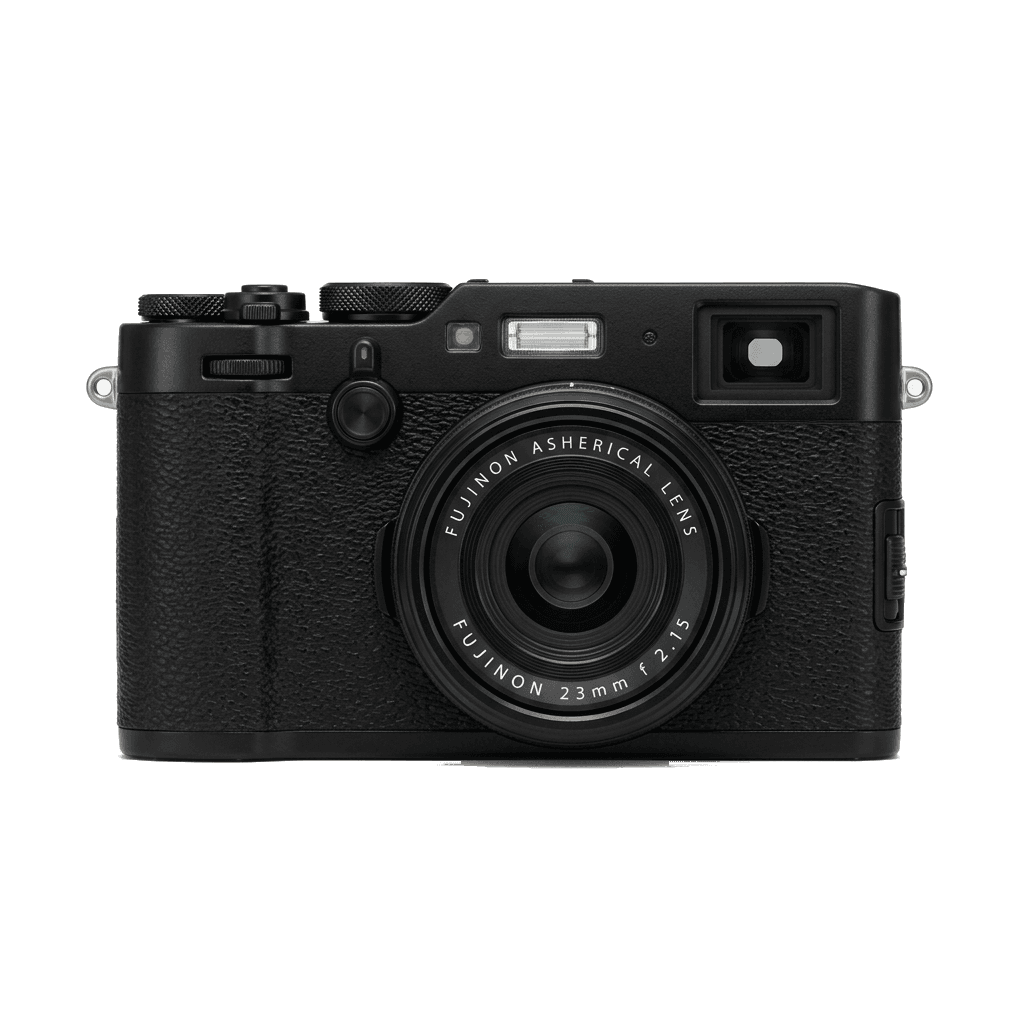
X100F studio product photo
核心规格

X100F 的内在。

FujiPic 上的每个配方都在这台机身上实测过。规格取自富士官方数据,并附上我们对胶片模拟相关功能的说明。

完整规格表 ↗
传感器系列

X100F 使用 X-Trans III —— 看看这颗传感器有何特别。

了解传感器 →
这台相机的配方

为 X100F 调校的 5 个配方。

查看全部 ↗
设置提示

套用配方前要知道的三件事。

  1. 01

    更新固件

    请确保你的 X100F 已升级到最新固件——较新的配方会用到旧固件里没有的参数。

  2. 02

    善用 C 档位

    把每个配方存进 C1–C7 自定义预设。之后通过 Q 菜单即可秒切,无需重新输入数值。

  3. 03

    自动白平衡

    FujiPic 的多数配方使用自动白平衡加色温偏移。设定偏移量即可,色温交给相机处理。

常见问题

关于这台相机。

The X100F supports X-Trans III recipes, like those for the X-Pro2 and X-T2, minus newer features.
The X100F lacks in-body image stabilisation (IBIS) and only has a single card slot.
Use the 'Q' menu to select a custom slot (C1–C7), input the desired settings, and save them.
Yes. The Fujifilm X100F includes Acros, the black-and-white film simulation, and FujiPic's five X100F recipes draw on it along with Classic Chrome and PRO Neg. Std. Our seven-slot setup guide helps owners keep a monochrome look beside their other settings.
The X100F offers Grain Effect at Weak or Strong. The grain guide on FujiPic notes older bodies like it lack the size option found on newer cameras, so drop any grain size value when copying a recipe written for a newer model.
No. Recipes are JPEG settings (see why Fujifilm straight-out-of-camera images look so good), so the lens does not change how they are entered. Its 24.3 MP X-Trans III sensor matches the X-T20 and X-Pro2, and FujiPic lists the same recipes for them.
相似机型

如果你用 X100F,也许会喜欢……