
跳到主要内容
相机X-T SERIES2022

Fujifilm X-T5

Fujifilm X-T5 film simulation recipes let a 40.2 MP X-Trans V camera shoot like a film body, with the look set before you press the shutter. Choose from 52 tested X-T5 recipes. Photographers who like physical dials and want finished X-T5 JPEG settings will save time, because each look is stored once and recalled in seconds.
52
兼容配方
20
胶片模拟
40.2 MP
传感器
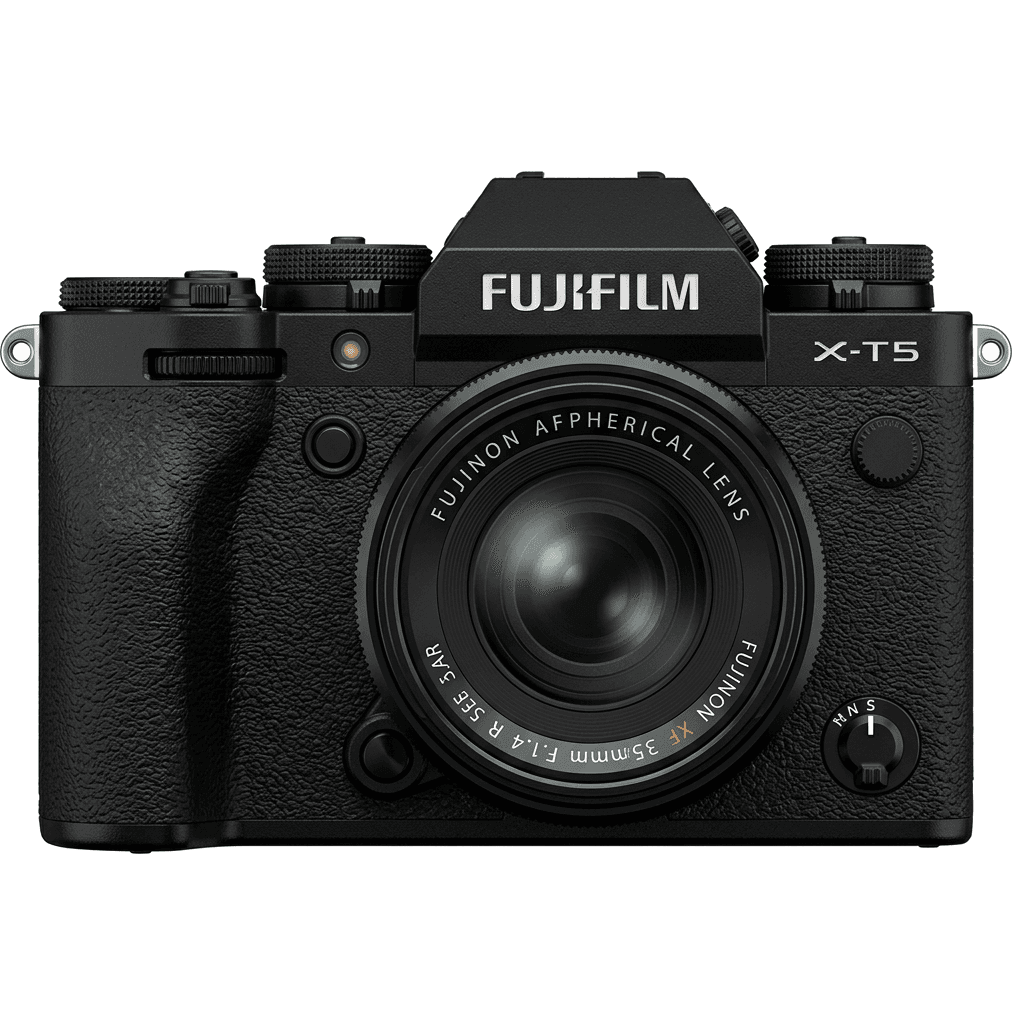
X-T5 studio product photo
核心规格

X-T5 的内在。

FujiPic 上的每个配方都在这台机身上实测过。规格取自富士官方数据,并附上我们对胶片模拟相关功能的说明。

完整规格表 ↗
传感器系列

X-T5 使用 X-Trans V —— 看看这颗传感器有何特别。

了解传感器 →
这台相机的配方

为 X-T5 调校的 52 个配方。

查看全部 ↗
设置提示

套用配方前要知道的三件事。

  1. 01

    更新固件

    请确保你的 X-T5 已升级到最新固件——较新的配方会用到旧固件里没有的参数。

  2. 02

    善用 C 档位

    把每个配方存进 C1–C7 自定义预设。之后通过 Q 菜单即可秒切,无需重新输入数值。

  3. 03

    自动白平衡

    FujiPic 的多数配方使用自动白平衡加色温偏移。设定偏移量即可,色温交给相机处理。

常见问题

关于这台相机。

The X-T5 supports all X-Trans V recipes, such as Nostalgic Neg. and Reala Ace, fully featured.
Yes, the X-T5 features 5-axis In-Body Image Stabilisation (IBIS) with up to 7 stops of stabilisation.
To add a recipe, access the menu, select Film Simulation, customise settings, and save it to a C1–C7 slot.
Start with three different moods from the FujiPic list: Expired Reala Warmth for warm tones, Astia Reverie for softer scenes and Night Reversal after dark. Our must-try X-T5 recipes post walks through more first picks with sample images.
You can enter X-T4 recipe values on the X-T5, but results may differ. The X-T4 is X-Trans IV, while the X-T5 uses the newer X-Trans V family. For a reliable match, use X-T5-tested recipes, then save recipes to all seven slots.
Yes. The recipe only shapes the JPEG, so RAW+JPEG gives a finished image plus a full raw file. To change your mind, reprocess the raw file in camera with another of our film recipes for Fujifilm cameras or edit it later.
相似机型

如果你用 X-T5,也许会喜欢……