
跳到主要内容
相机X-E SERIES2025

Fujifilm X-E5

Fujifilm X-E5 film simulation recipes are saved camera settings that give each JPEG a finished film look. With a 40.2 MP X-Trans V sensor and 20 film simulations, this rangefinder-style body runs all 53 X-E5 recipes listed on FujiPic. They suit photographers who want to skip editing and keep a small camera ready for daily shooting.
53
兼容配方
20
胶片模拟
40.2 MP
传感器
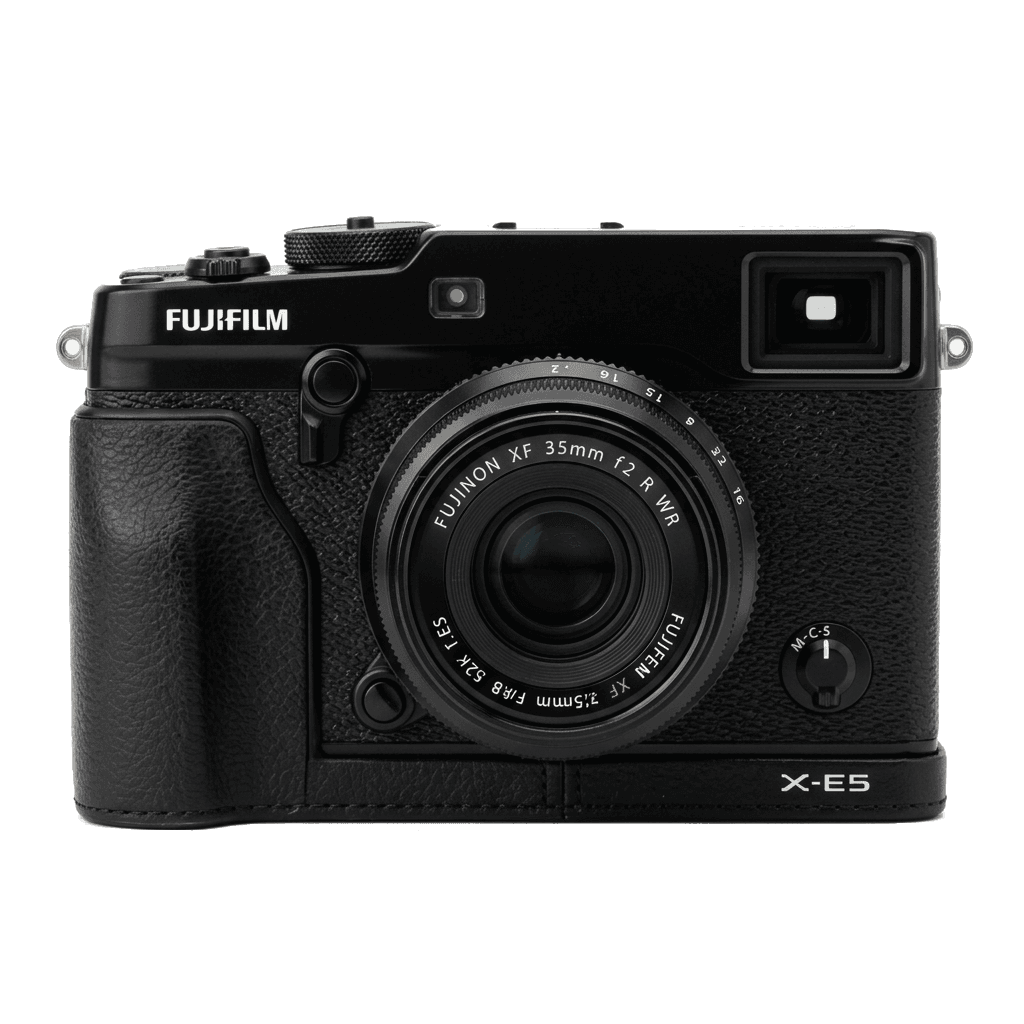
X-E5 studio product photo
核心规格

X-E5 的内在。

FujiPic 上的每个配方都在这台机身上实测过。规格取自富士官方数据,并附上我们对胶片模拟相关功能的说明。

完整规格表 ↗
传感器系列

X-E5 使用 X-Trans V —— 看看这颗传感器有何特别。

了解传感器 →
这台相机的配方

为 X-E5 调校的 53 个配方。

查看全部 ↗
设置提示

套用配方前要知道的三件事。

  1. 01

    更新固件

    请确保你的 X-E5 已升级到最新固件——较新的配方会用到旧固件里没有的参数。

  2. 02

    善用 C 档位

    把每个配方存进 C1–C7 自定义预设。之后通过 Q 菜单即可秒切,无需重新输入数值。

  3. 03

    自动白平衡

    FujiPic 的多数配方使用自动白平衡加色温偏移。设定偏移量即可,色温交给相机处理。

常见问题

关于这台相机。

The X-E5 runs all X-Trans V recipes, including Nostalgic Neg. and Reala Ace. X-Trans IV recipes may need adjustment.
The X-E5 offers seven custom slots for film simulation recipes, providing ample room for creative experimentation.
Select a custom slot, adjust your settings, and save them to the slot. Repeat for other recipes.
A film simulation is one base setting on the X-E5, such as Classic Chrome or Acros. A recipe adds white balance shift, dynamic range, tone curve and grain for a complete look, which our seven-slot setup guide helps you save.
Yes. Color Chrome Effect is available on X-Trans V bodies such as the X-E5. Knowing how Color Chrome Effect works helps: many recipes set it to Weak or Strong to add depth to saturated areas, so enter that value exactly.
Yes. Among the Fujifilm recipes for every camera, X-T50 and X-T30 III recipes suit the X-E5, since all three run X-Processor 5 and take identical values; the X-T30 III records 26.1 MP files rather than 40.2 MP. Results should match closely, though checking test shots is wise.
相似机型

如果你用 X-E5,也许会喜欢……