Velvia
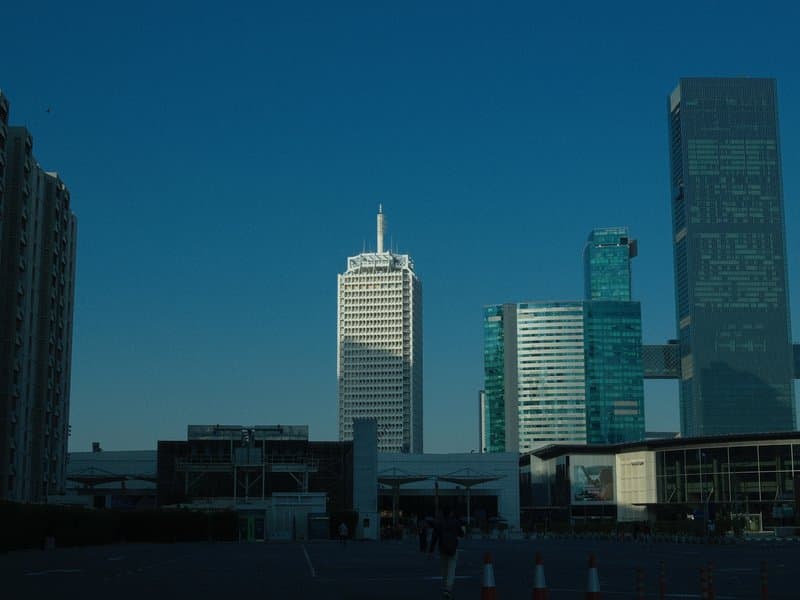
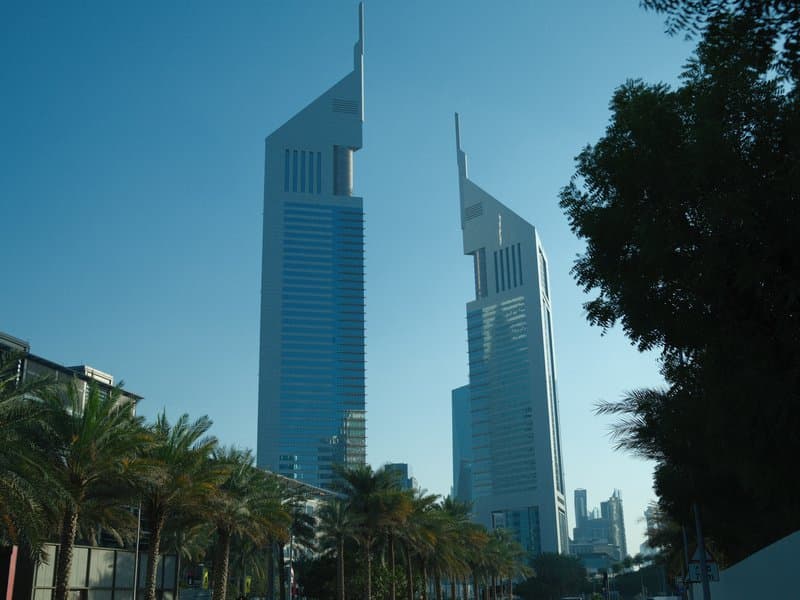
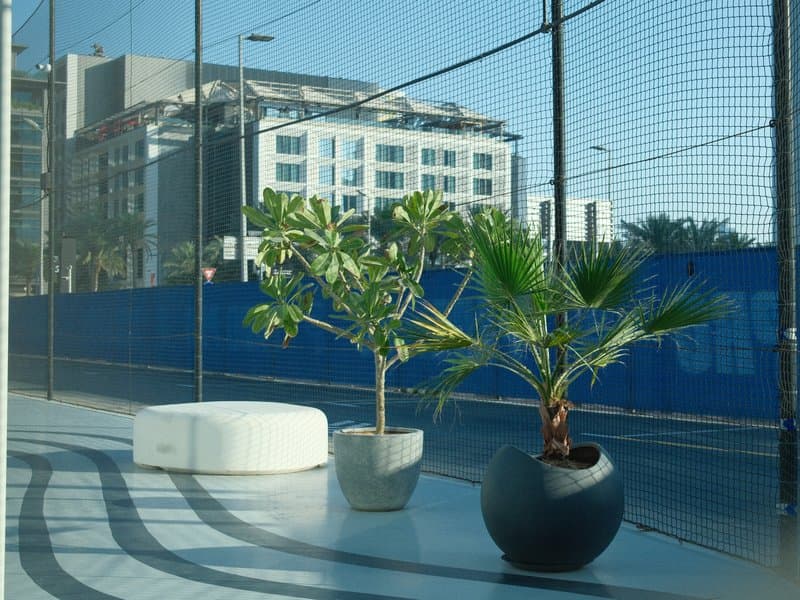
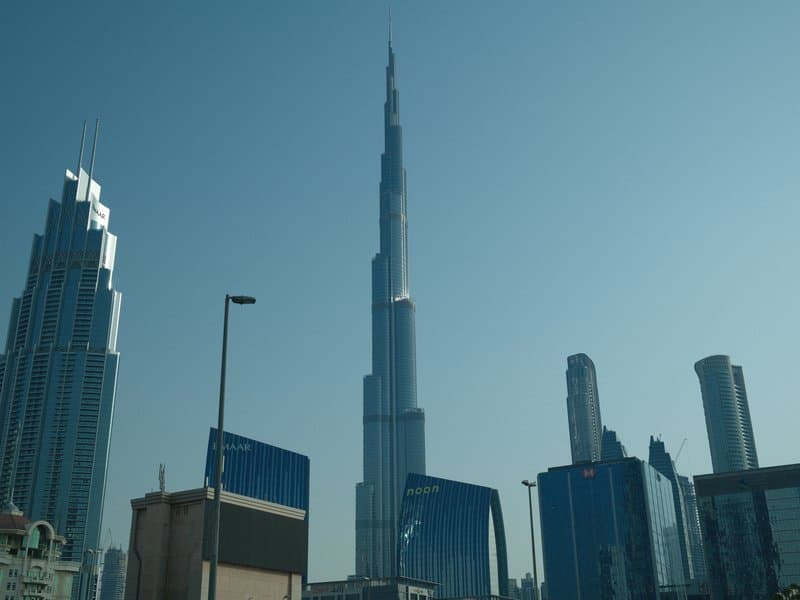
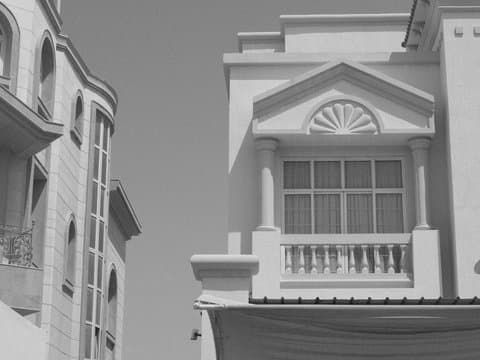
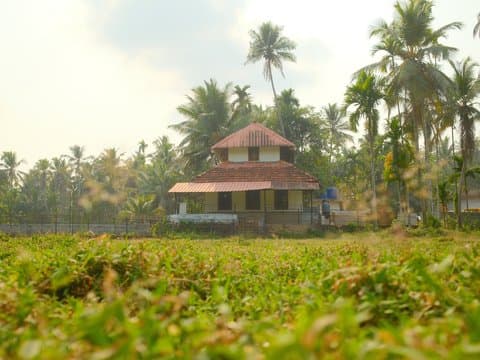
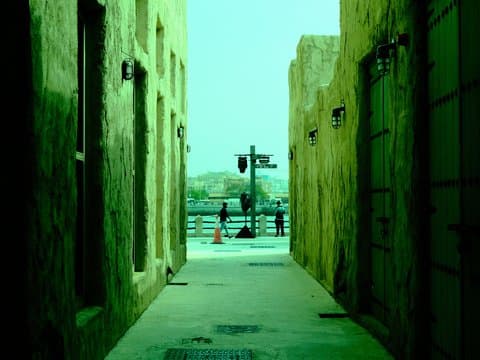
Unedited JPEGs from x-trans-iv bodies — straight out of camera.
Enter every value below into a Custom (C1-C7) preset on your camera. The order matches the in-camera Edit/Save Custom Setting menu on x-trans-iv bodies.
| Parameter | Value | Copy |
|---|---|---|
| Film Simulation | Provia | |
| Dynamic Range | DR400 | |
| Highlight | 0 | |
| Shadow | -2 | |
| Color | -2 | |
| Sharpness | -2 | |
| Noise Reduction | -4 | |
| Clarity | 0 | |
| Grain Effect | Strong | |
| Grain Size | Small | |
| Color Chrome FX | Strong | |
| Color Chrome FX Blue | Strong | |
| Monochromatic Color | WC 0 / MG 0 | |
| White Balance | Custom Kelvin (4000K) | |
| WB Shift | R 0 / B -5 | |
| ISO | up to ISO 6400 | |
| Exposure Compensation | -1/3 to +2/3 |
Designed for x-trans-iv, x-trans-v and gfx sensors. Tested on the bodies below.
Writing notes for this recipe…
Other recipes in the library with a similar film simulation, mood, or sensor target.
This Universal Provia recipe excels in natural light, particularly outdoors where it can capture serene scenes beautifully. The strong grain and calm tones work well for general purpose photography, but avoid using it in low light as it may struggle with noise. Be mindful of the exposure compensation range of -1/3 to +2/3 to maintain detail in highlights and shadows.