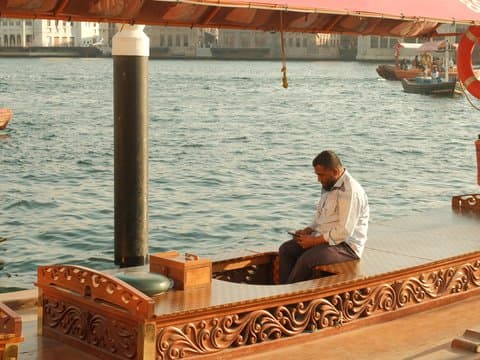
Classic Chrome
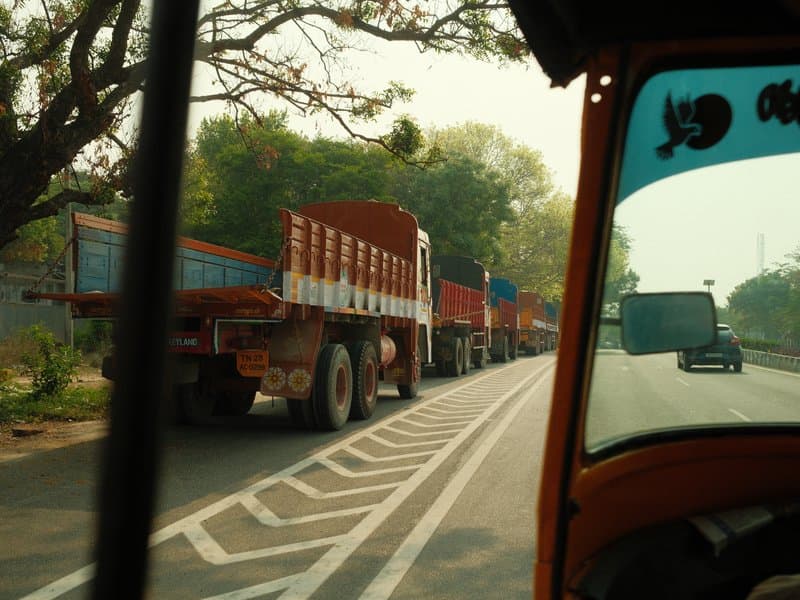
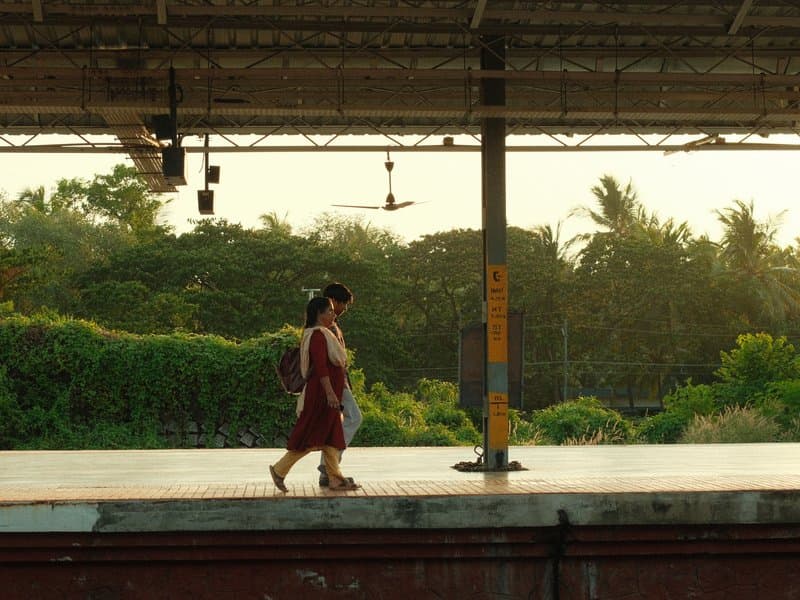
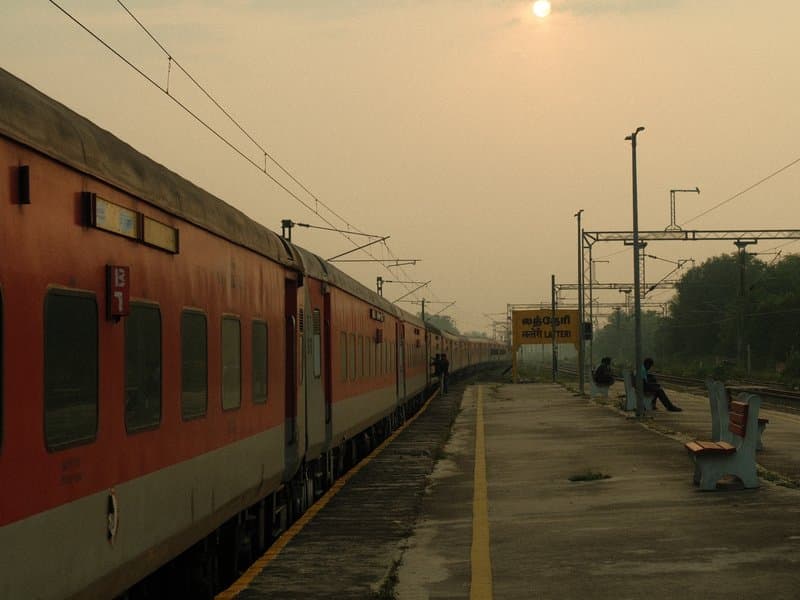
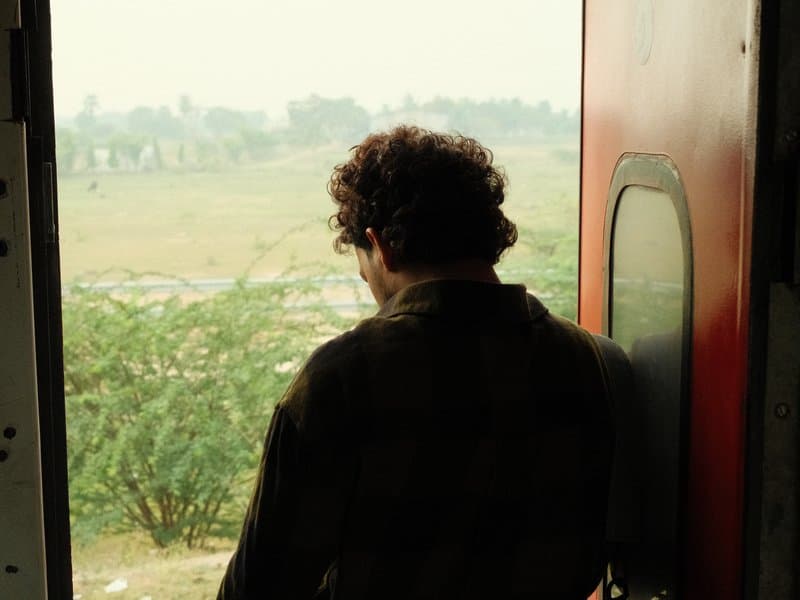
Unedited JPEGs from x-trans-v bodies — straight out of camera.
Enter every value below into a Custom (C1-C7) preset on your camera. The order matches the in-camera Edit/Save Custom Setting menu on x-trans-v bodies.
| Parameter | Value | Copy |
|---|---|---|
| Film Simulation | Classic Chrome | |
| Dynamic Range | DR400 | |
| Highlight | -0.5 | |
| Shadow | -2 | |
| Color | +3 | |
| Sharpness | -2 | |
| Noise Reduction | -4 | |
| Clarity | -2 | |
| Grain Effect | Strong | |
| Grain Size | Small | |
| Color Chrome FX | Strong | |
| Color Chrome FX Blue | Weak | |
| Monochromatic Color | WC 0 / MG 0 | |
| White Balance | Custom Kelvin (5300K) | |
| WB Shift | R 0 / B -6 | |
| ISO | up to ISO 6400 | |
| Exposure Compensation | 0 to +1 |
Designed for x-trans-v and gfx sensors. Tested on the bodies below.
Writing notes for this recipe…
Other recipes in the library with a similar film simulation, mood, or sensor target.
This Classic Color recipe excels in street and travel photography, particularly in natural light around 5300 Kelvin. It’s important to avoid overexposing highlights, as they are set to -0.5, which can lead to loss of detail in bright areas.