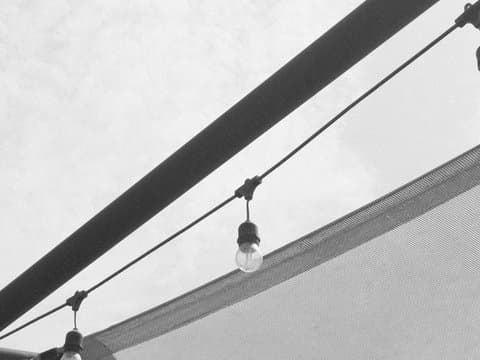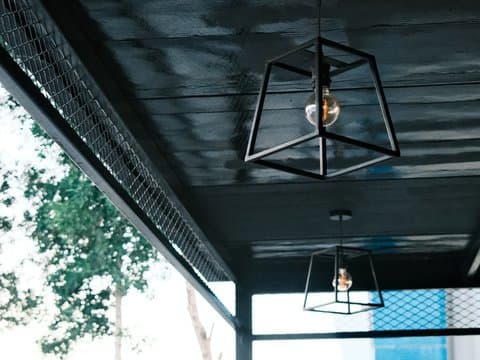
Classic Negative
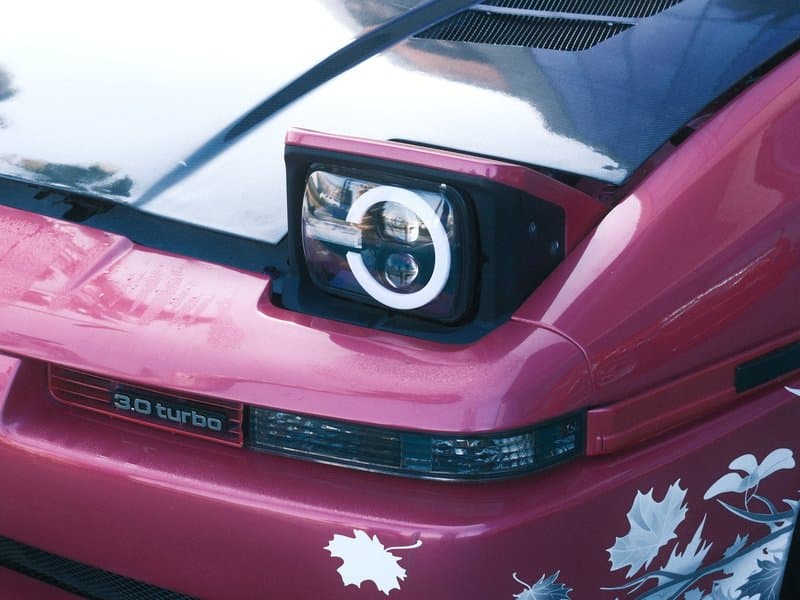
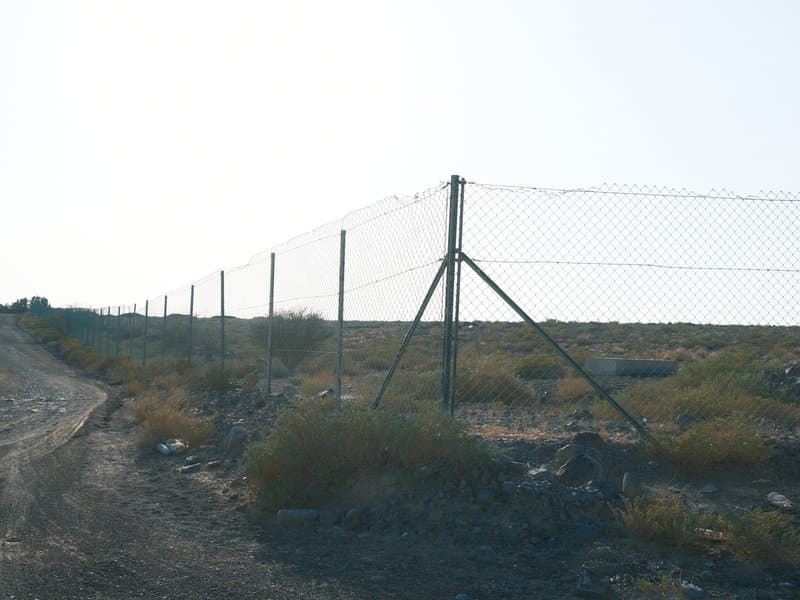
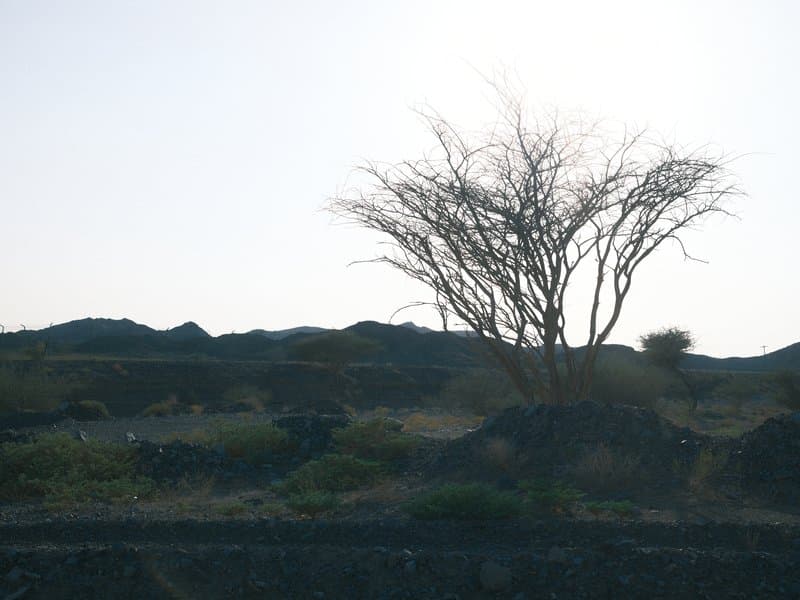
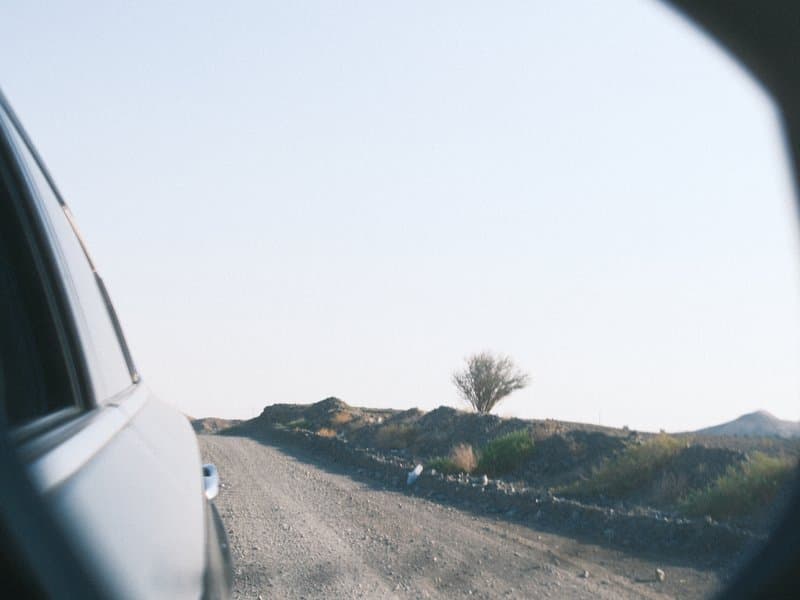
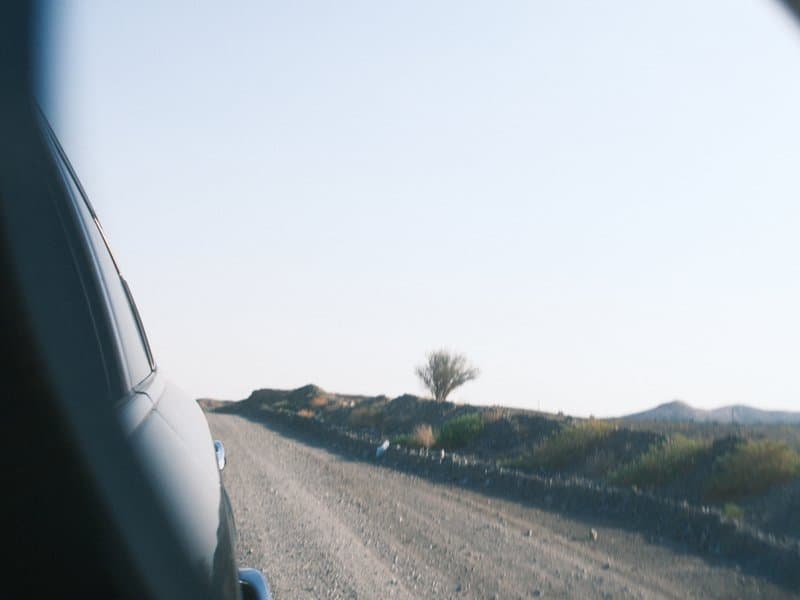
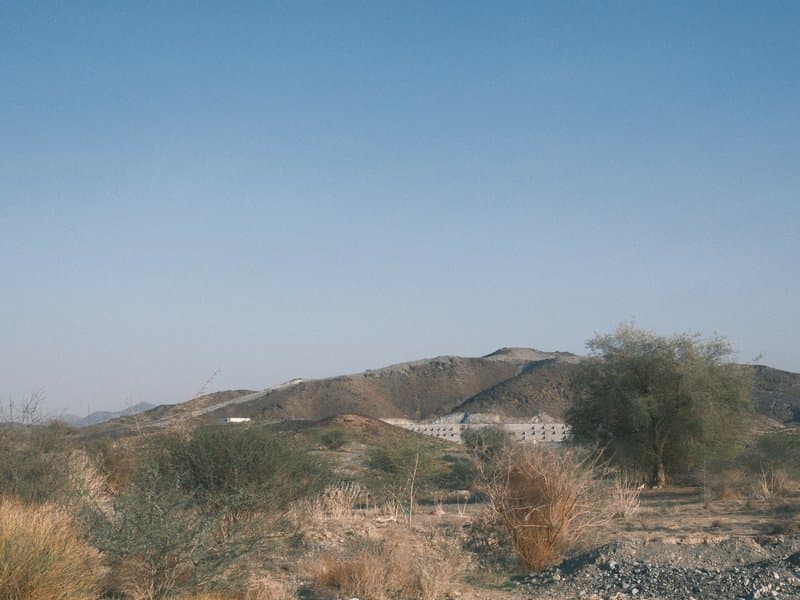
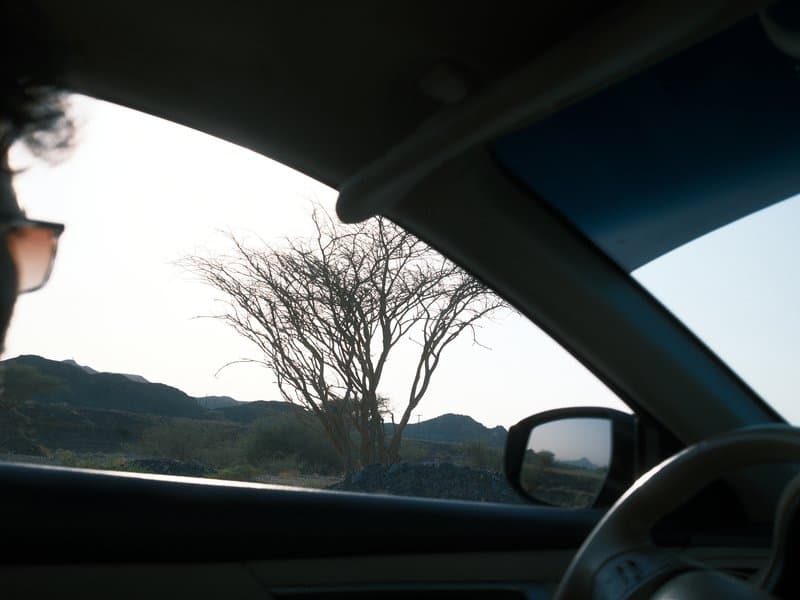
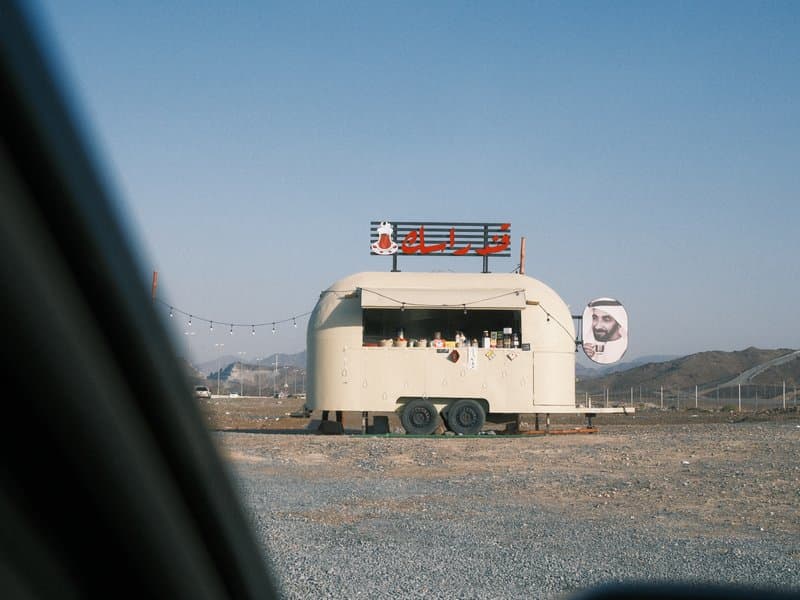
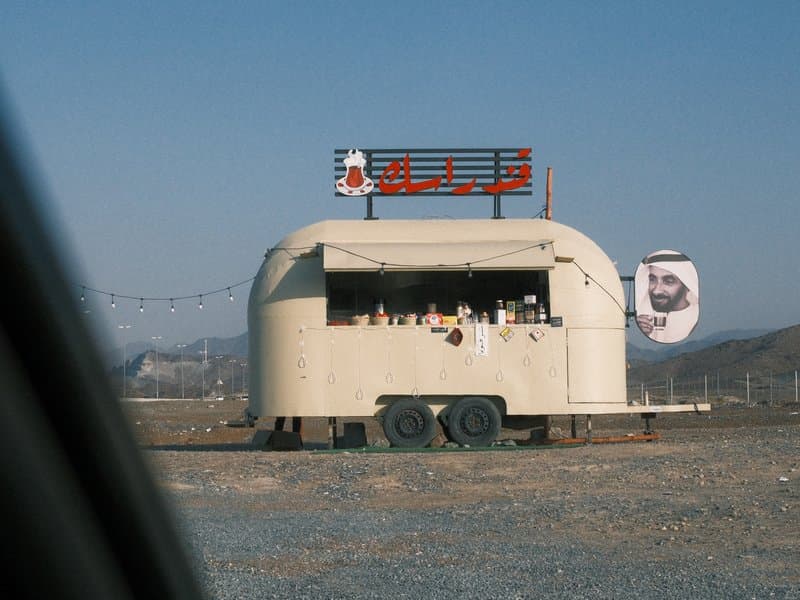
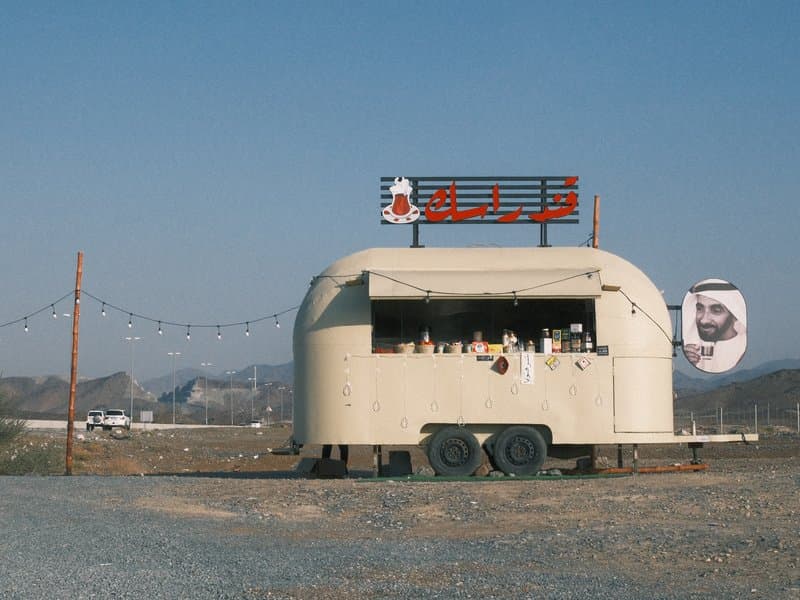
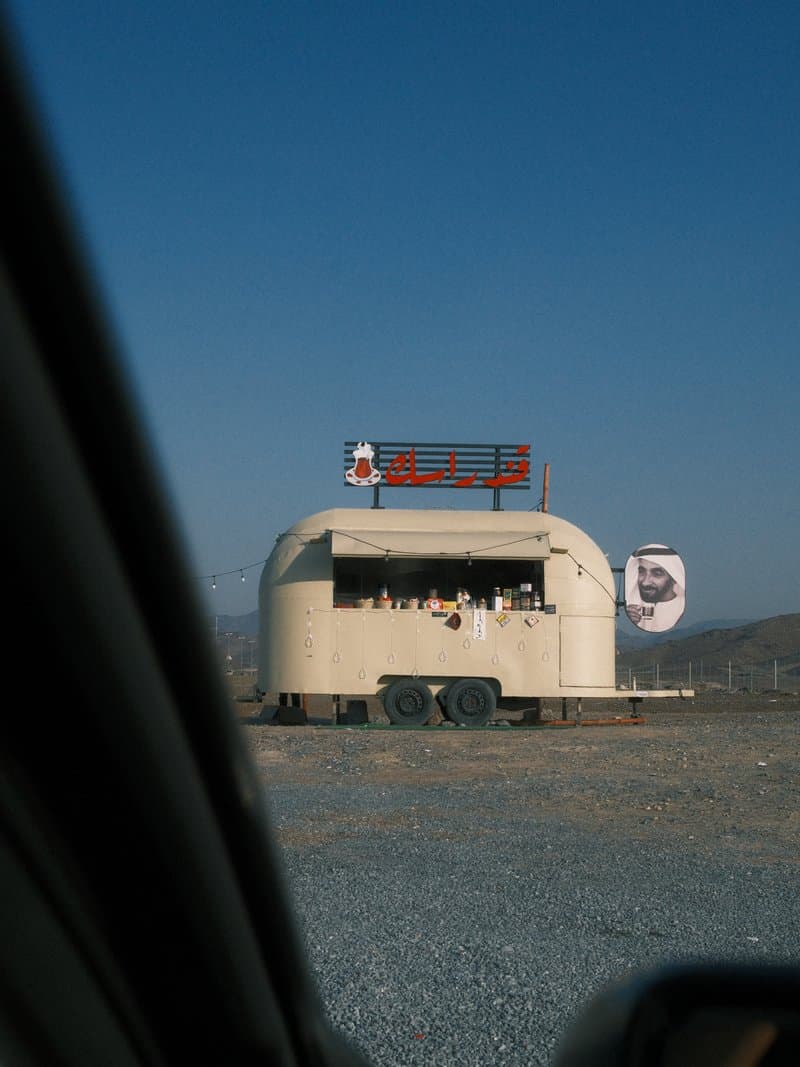
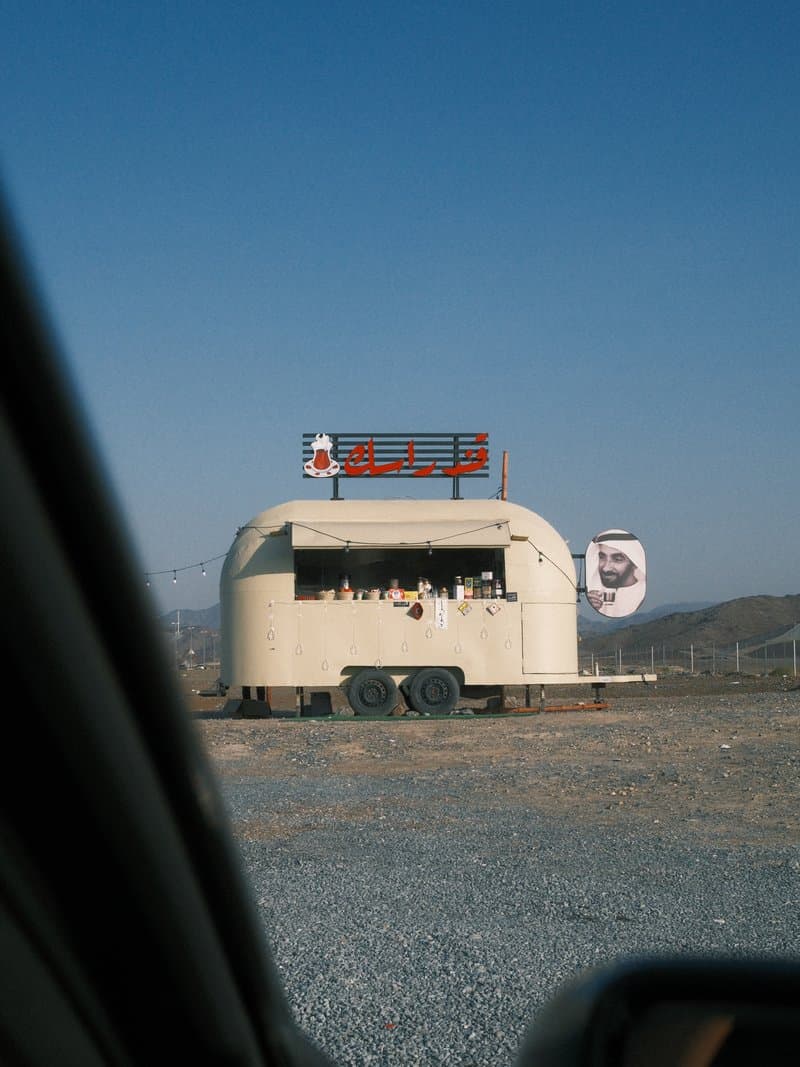

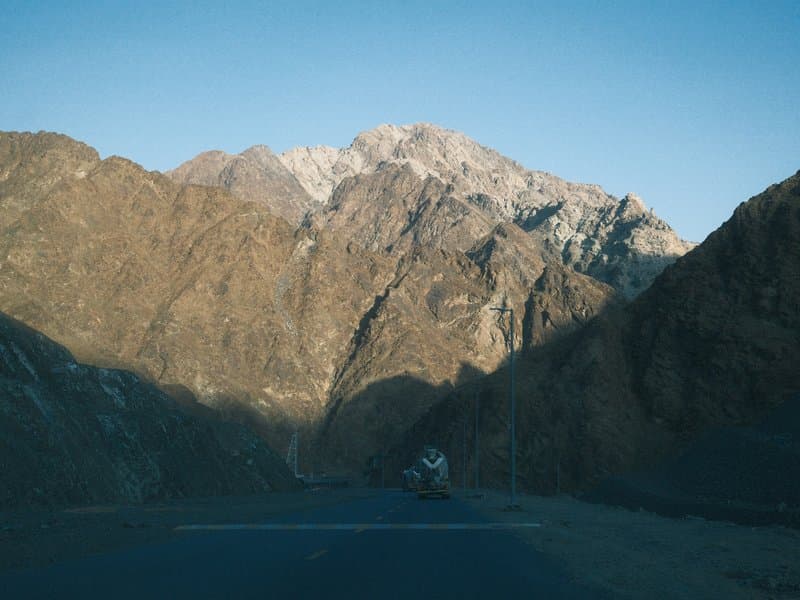
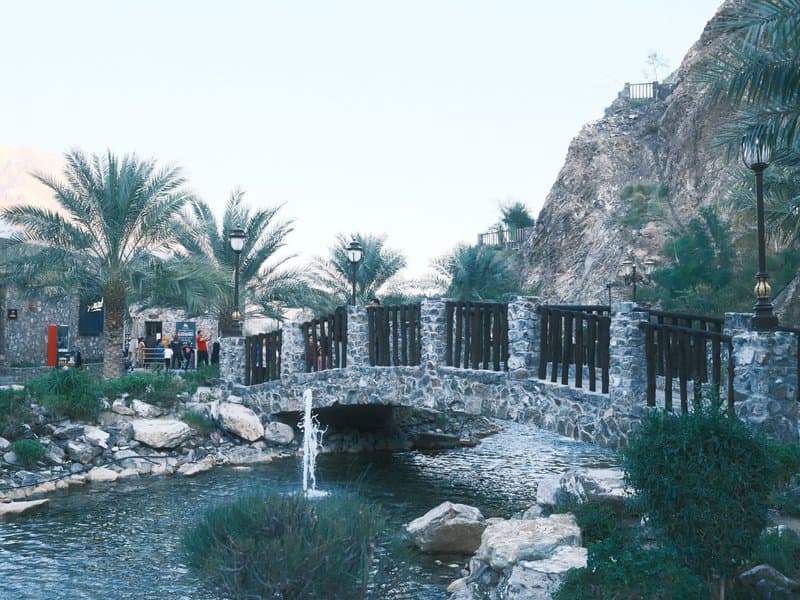
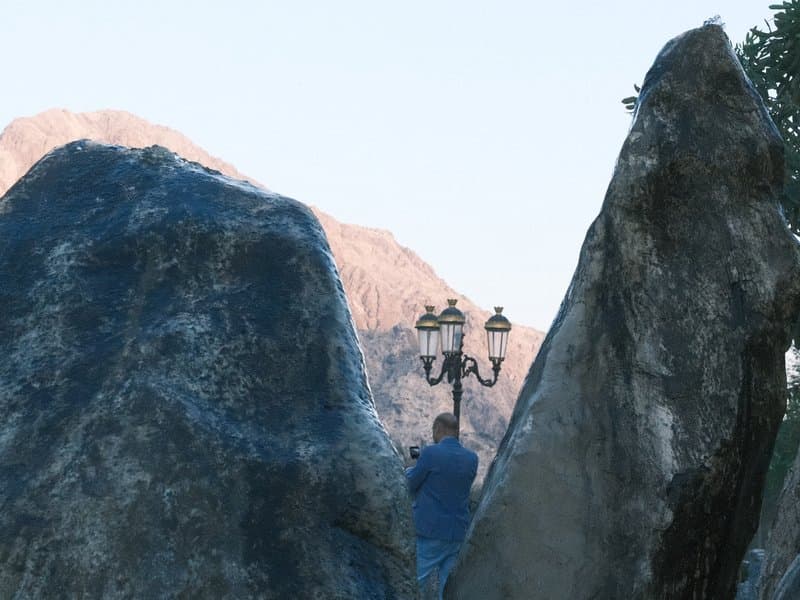
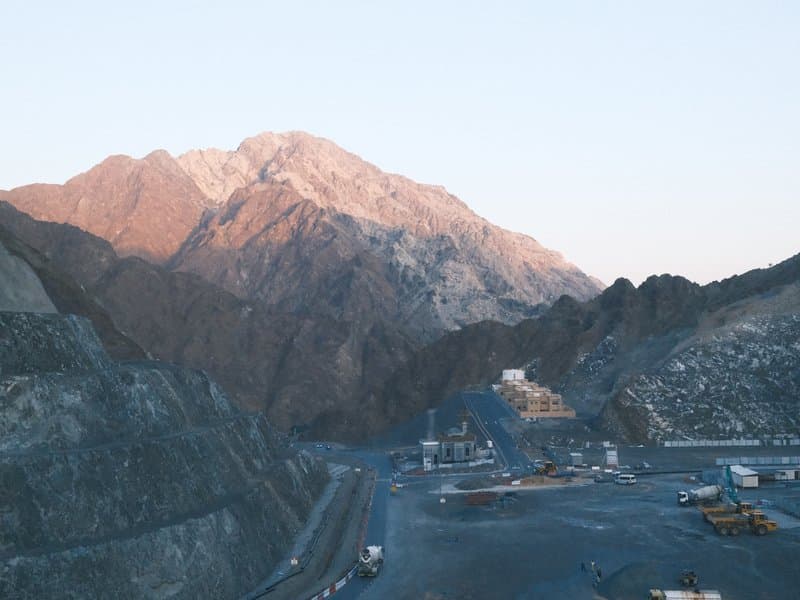
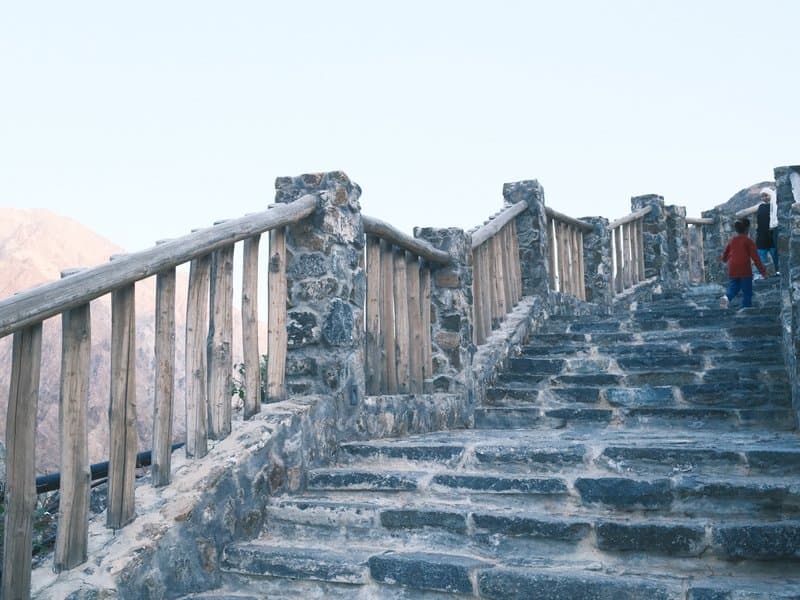
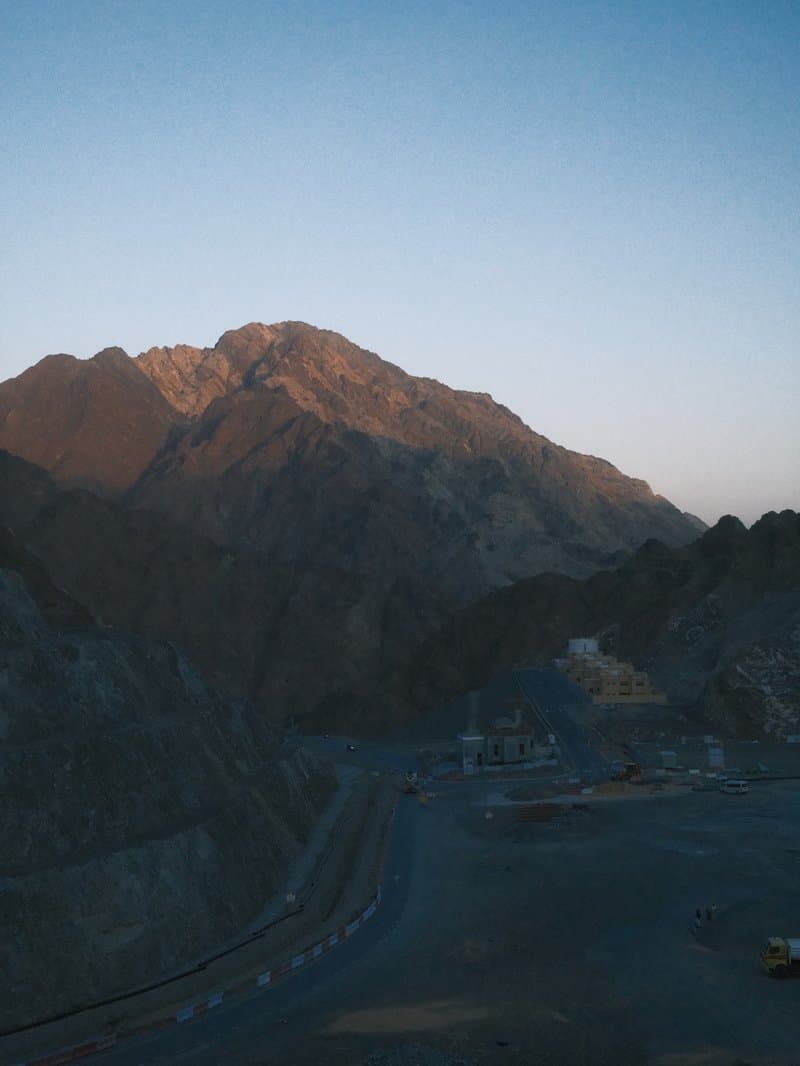
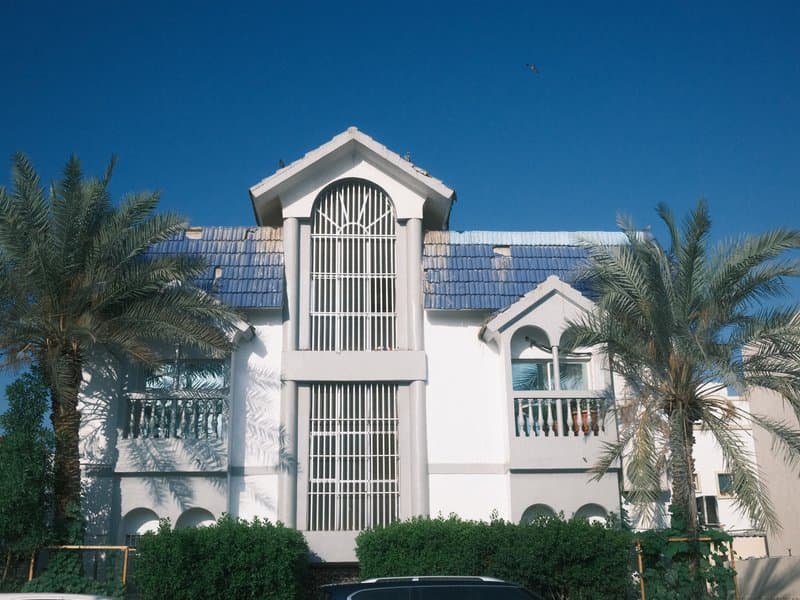
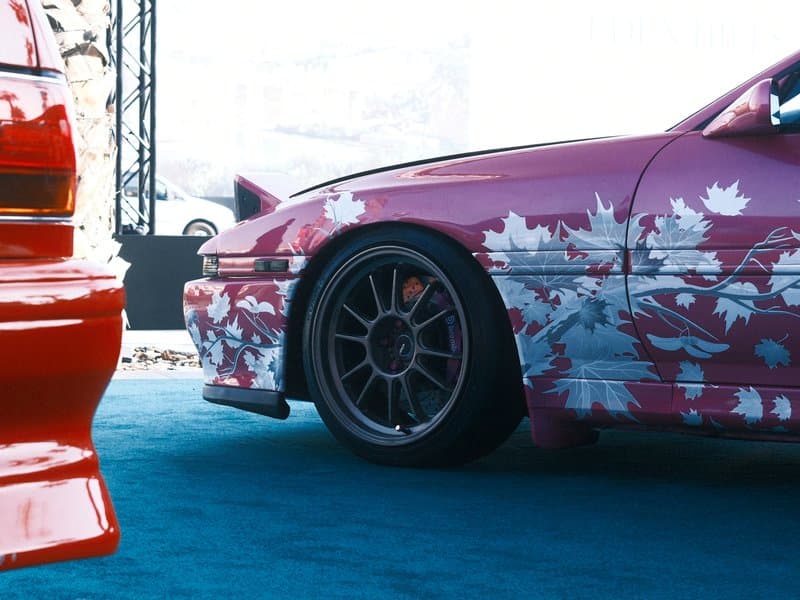
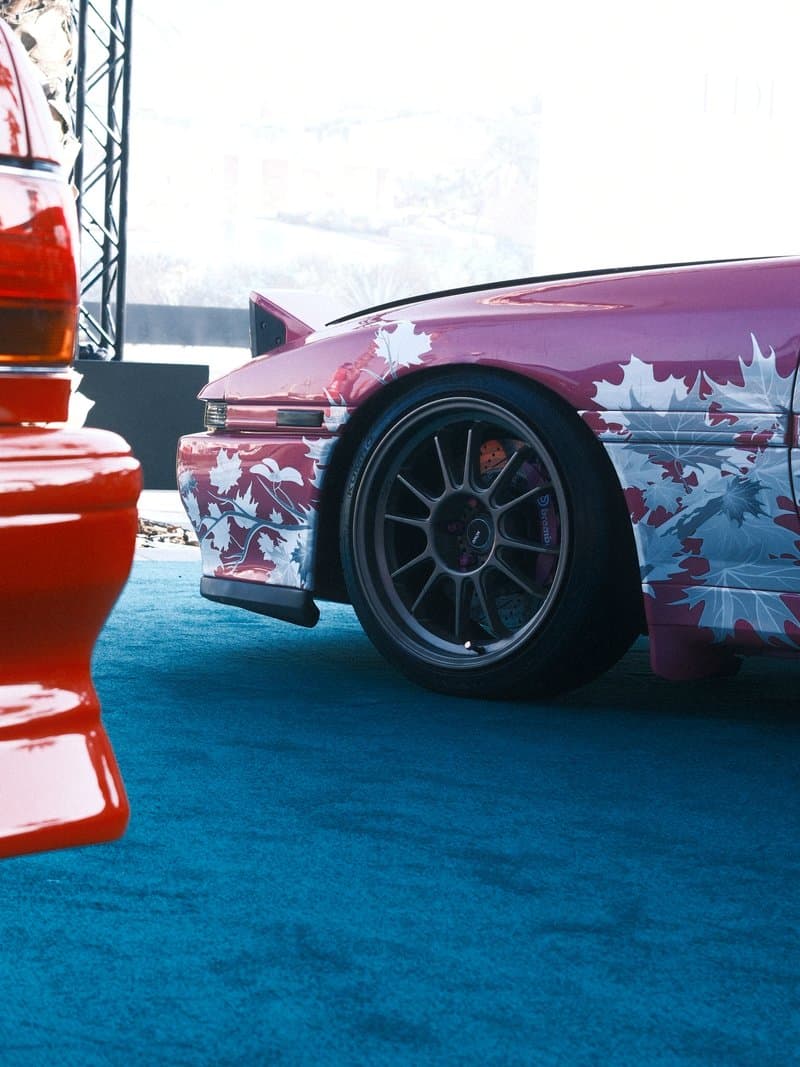
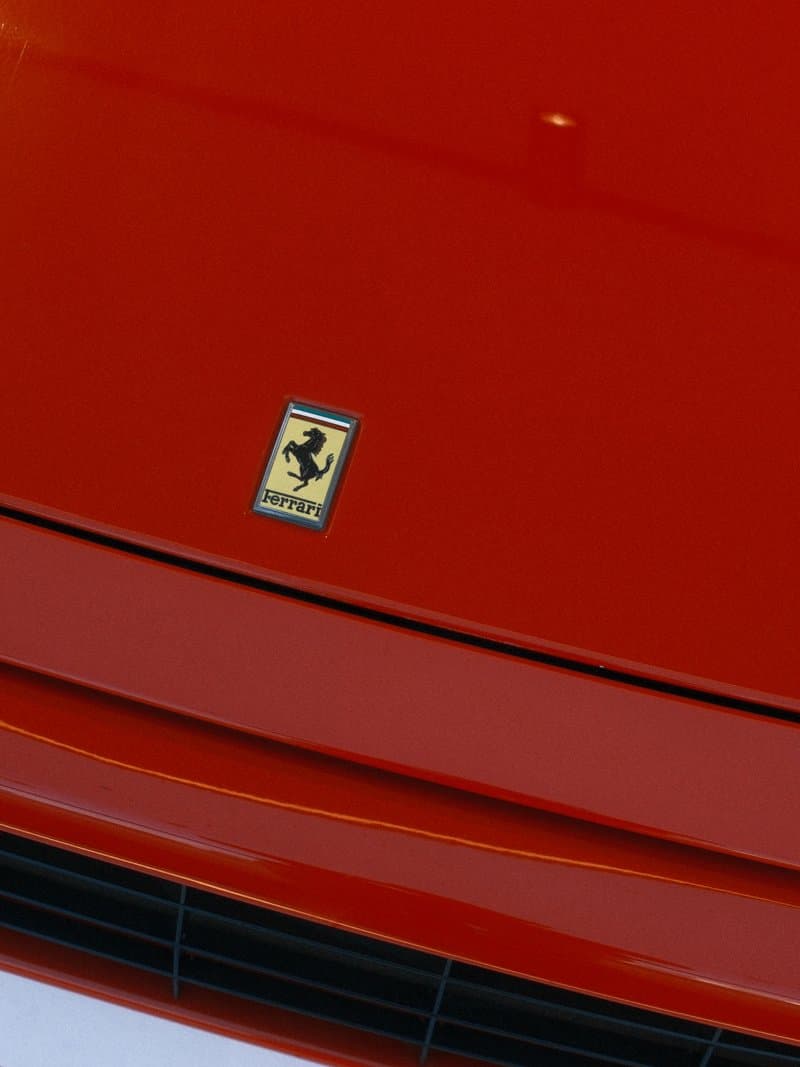
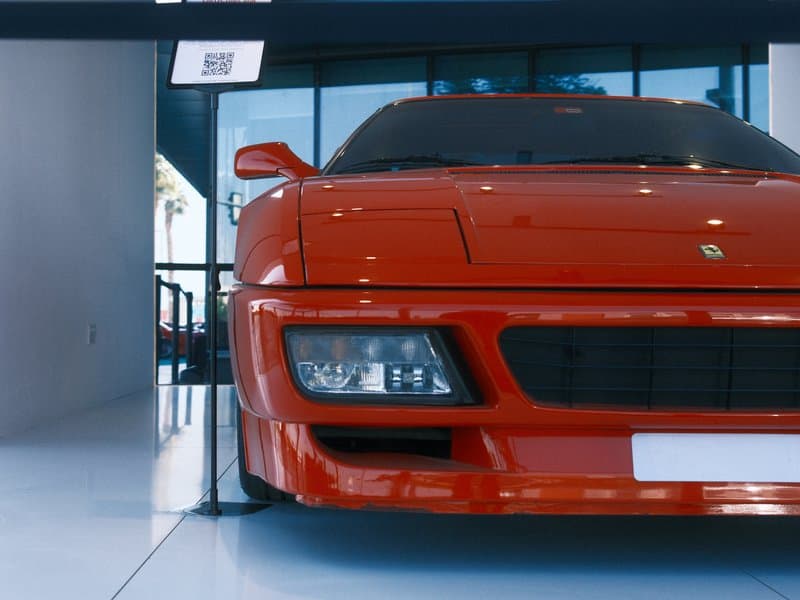
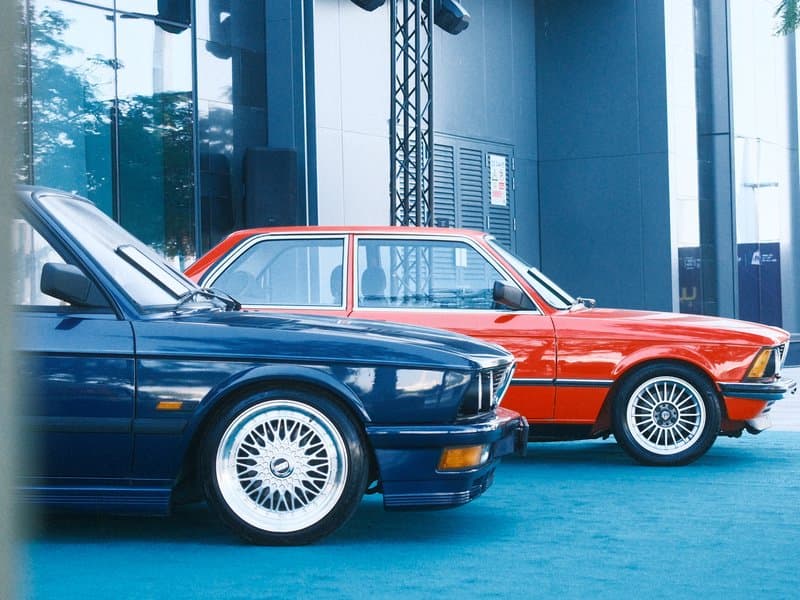
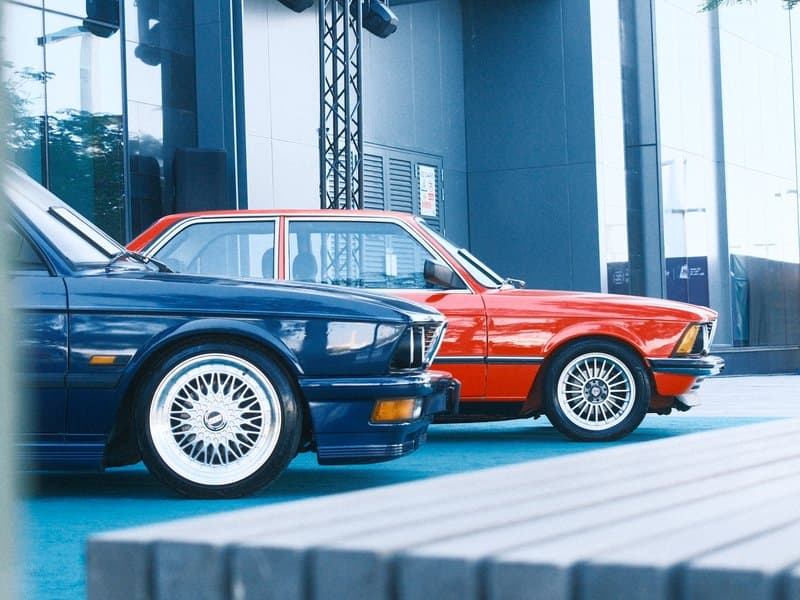
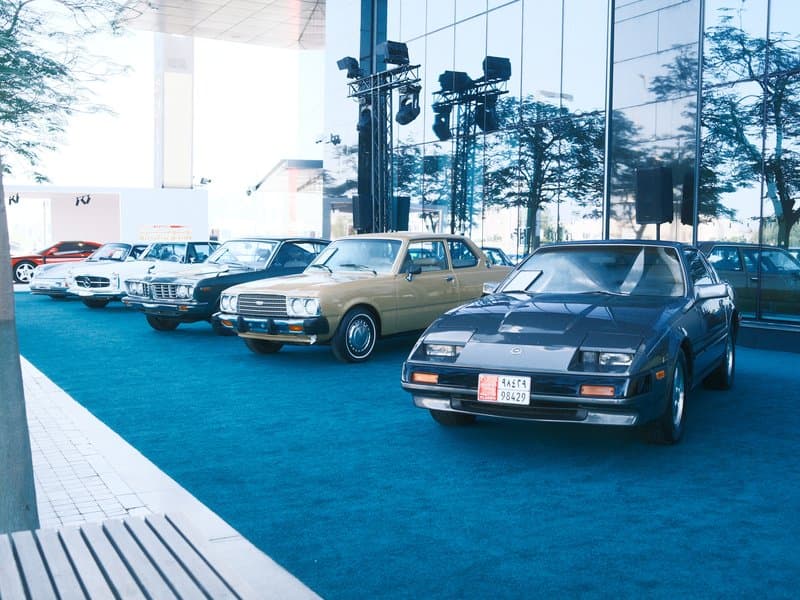
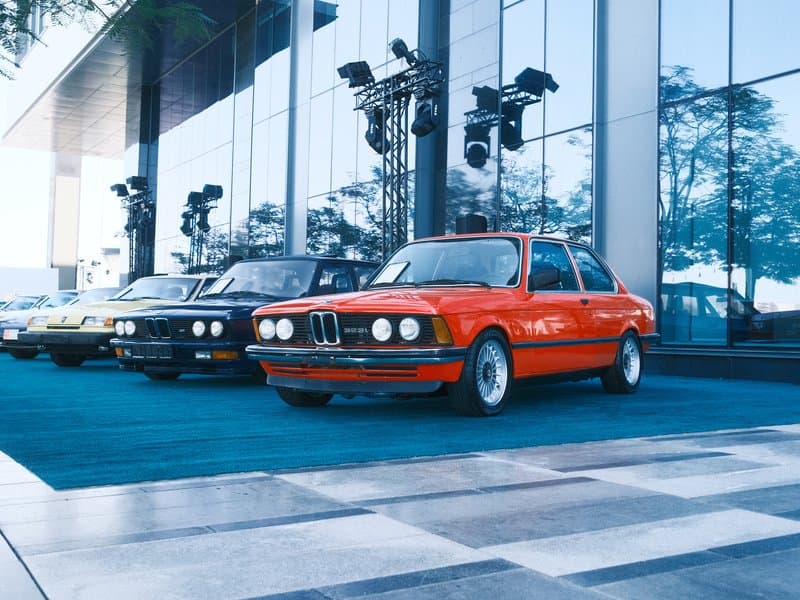
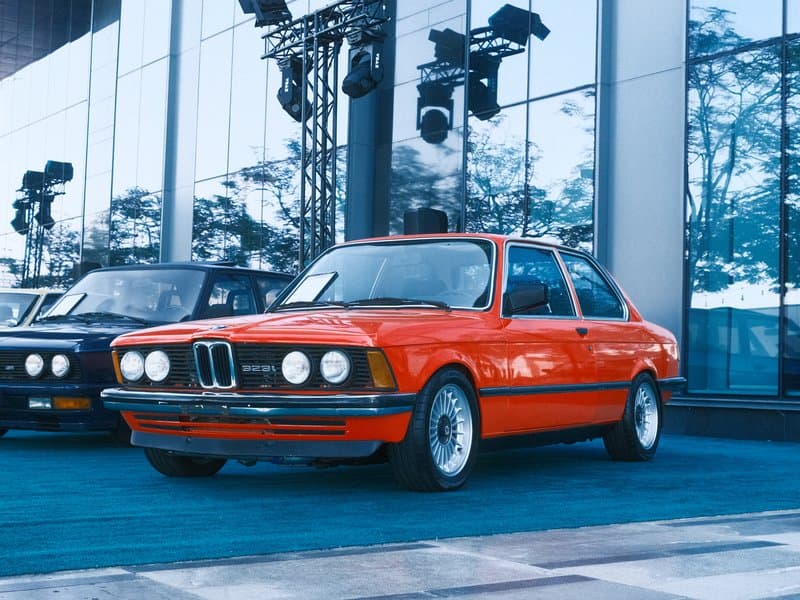
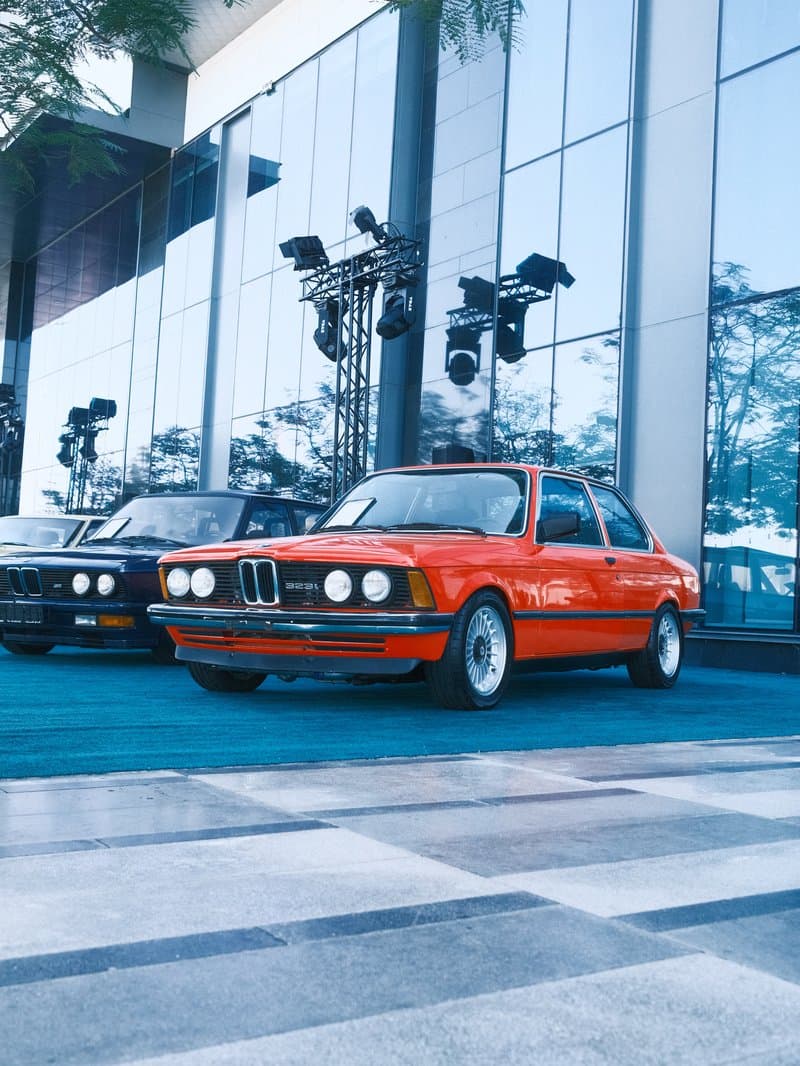
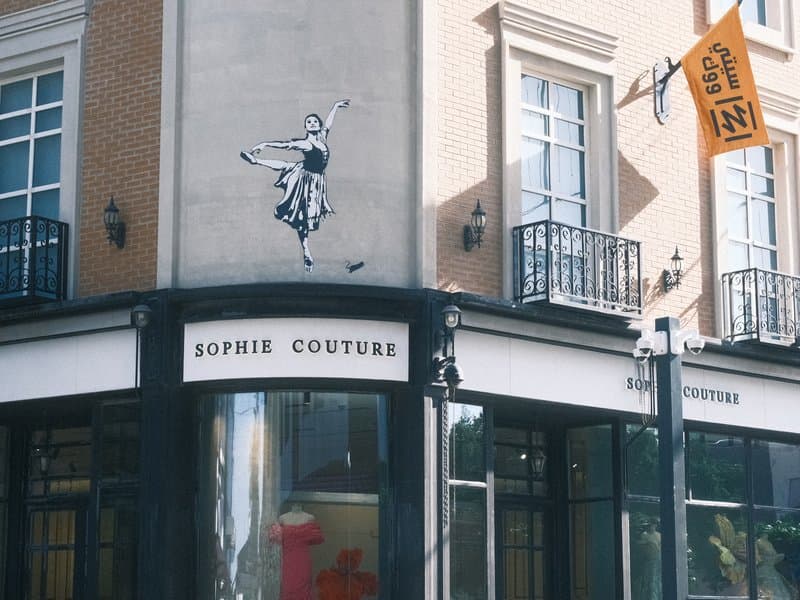
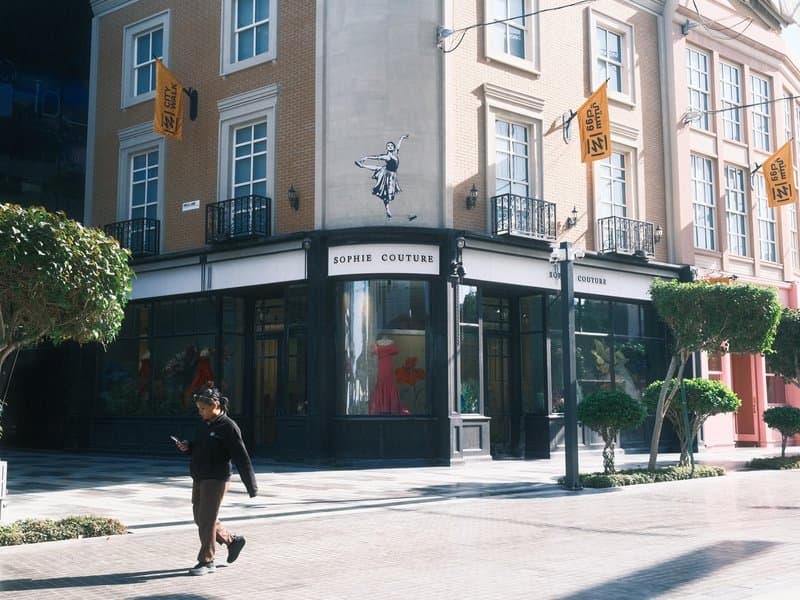

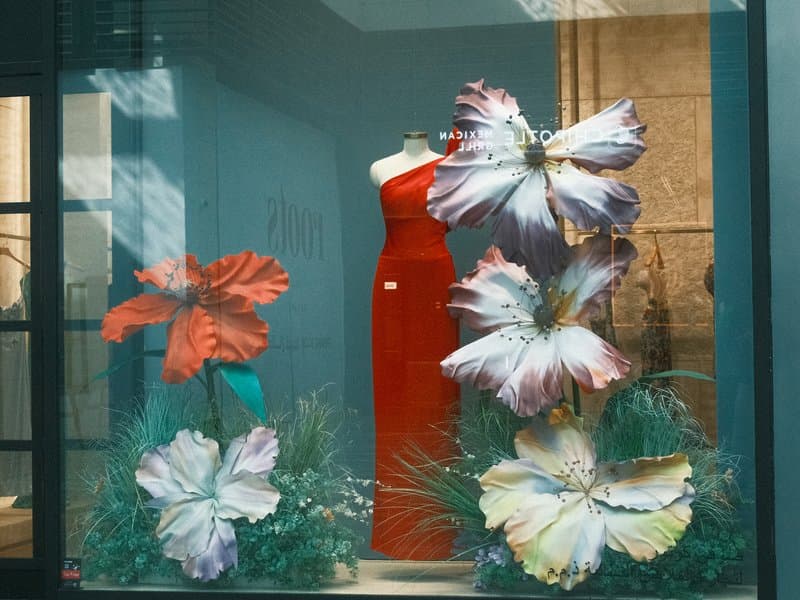
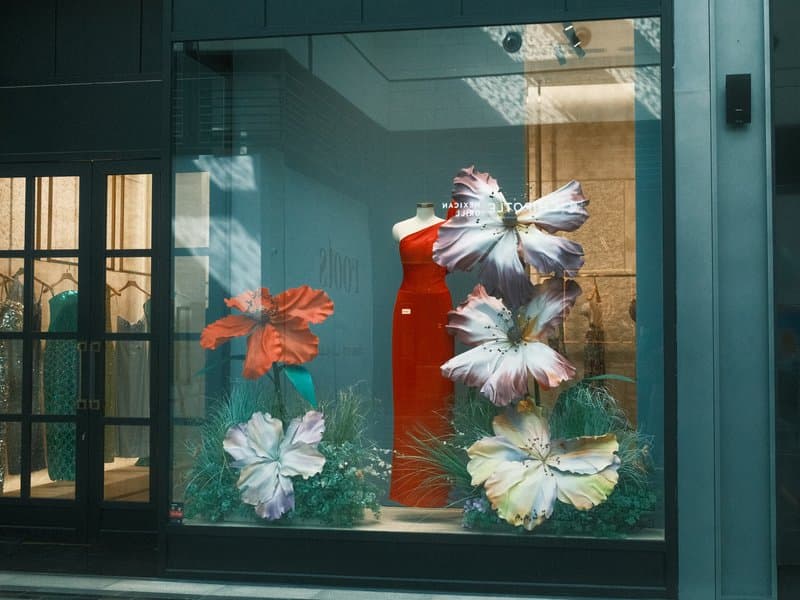
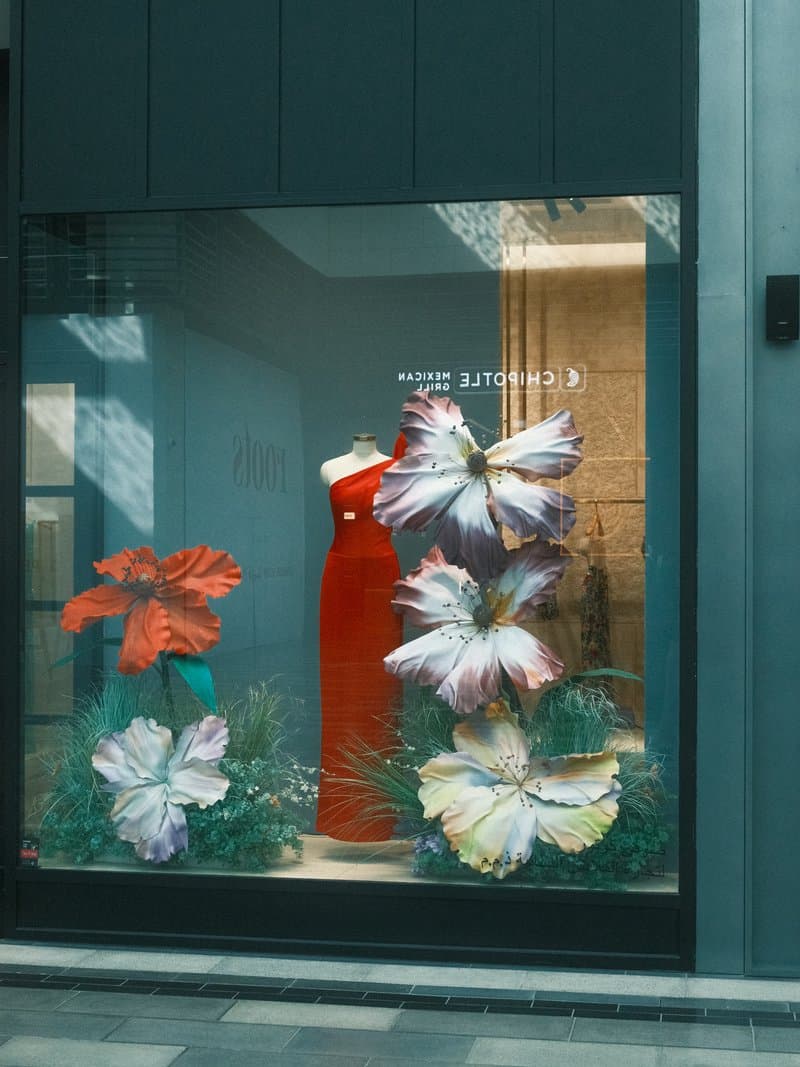
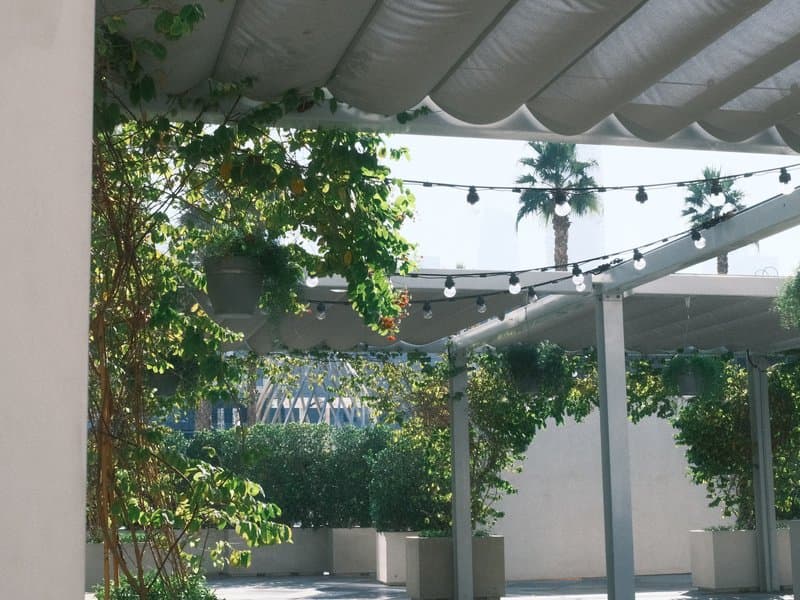
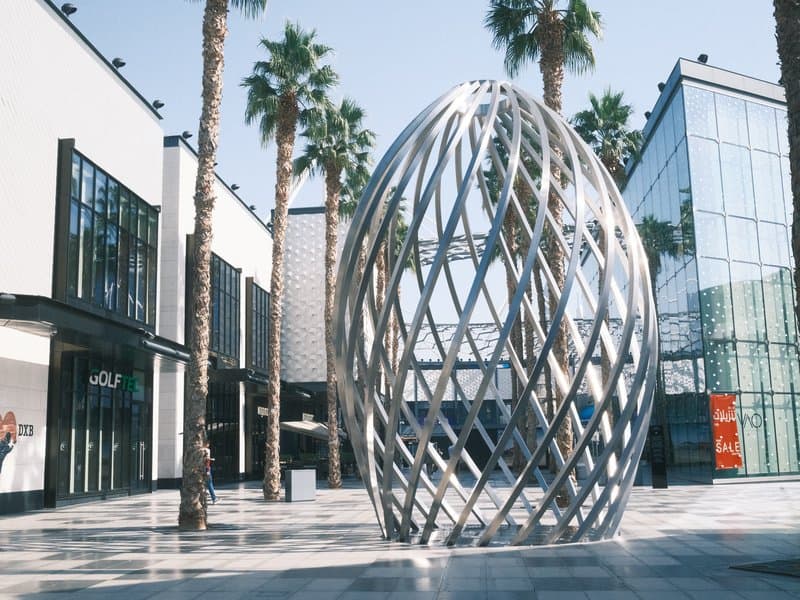
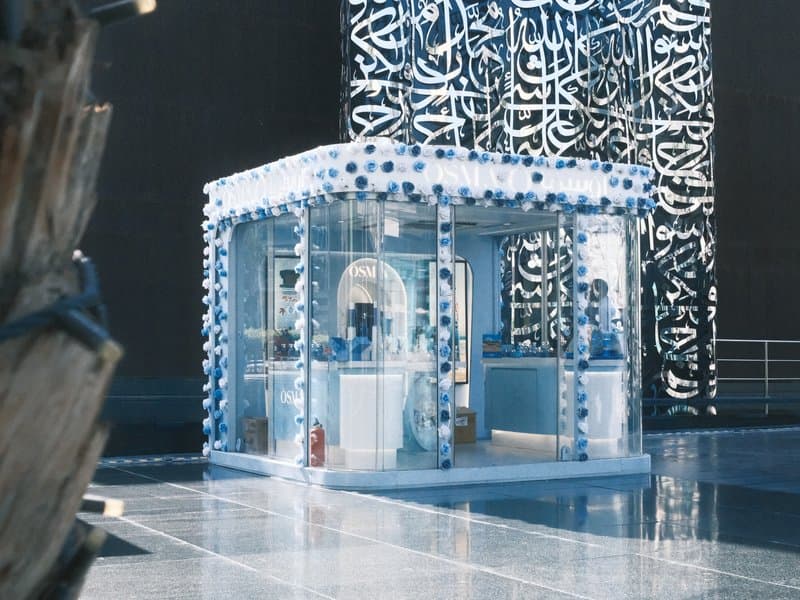
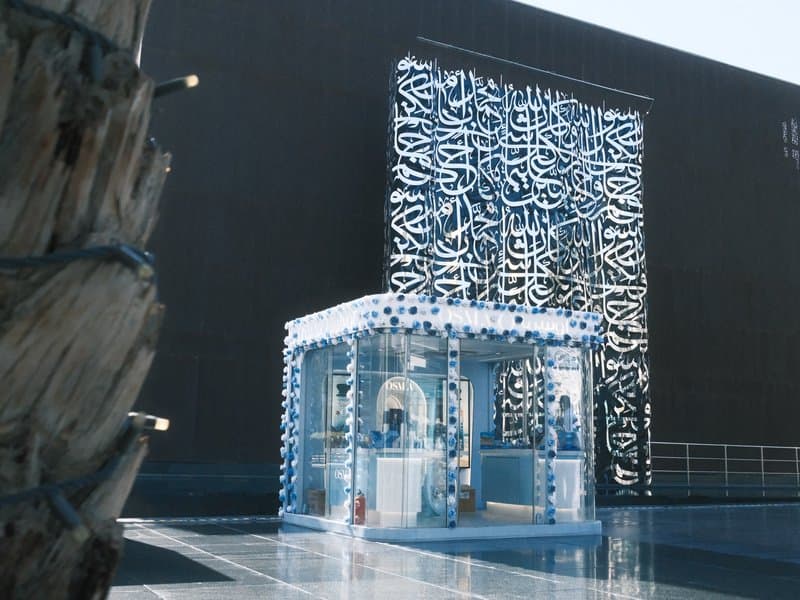
Unedited JPEGs from x-trans-iv bodies — straight out of camera.
Enter every value below into a Custom (C1-C7) preset on your camera. The order matches the in-camera Edit/Save Custom Setting menu on x-trans-iv bodies.
| Parameter | Value | Copy |
|---|---|---|
| Film Simulation | Classic Negative |
Designed for x-trans-iv and gfx sensors. Tested on the bodies below.
Writing notes for this recipe…
Other recipes in the library with a similar film simulation, mood, or sensor target.
This recipe excels in soft, diffused light, making it ideal for overcast days when colors can pop without harsh shadows. Avoid shooting in direct sunlight, as the punchy colors may become overwhelming. The Classic Negative film simulation enhances the calm urban aesthetic, perfect for street photography.