
본문으로 건너뛰기
카메라X-T SERIES2016

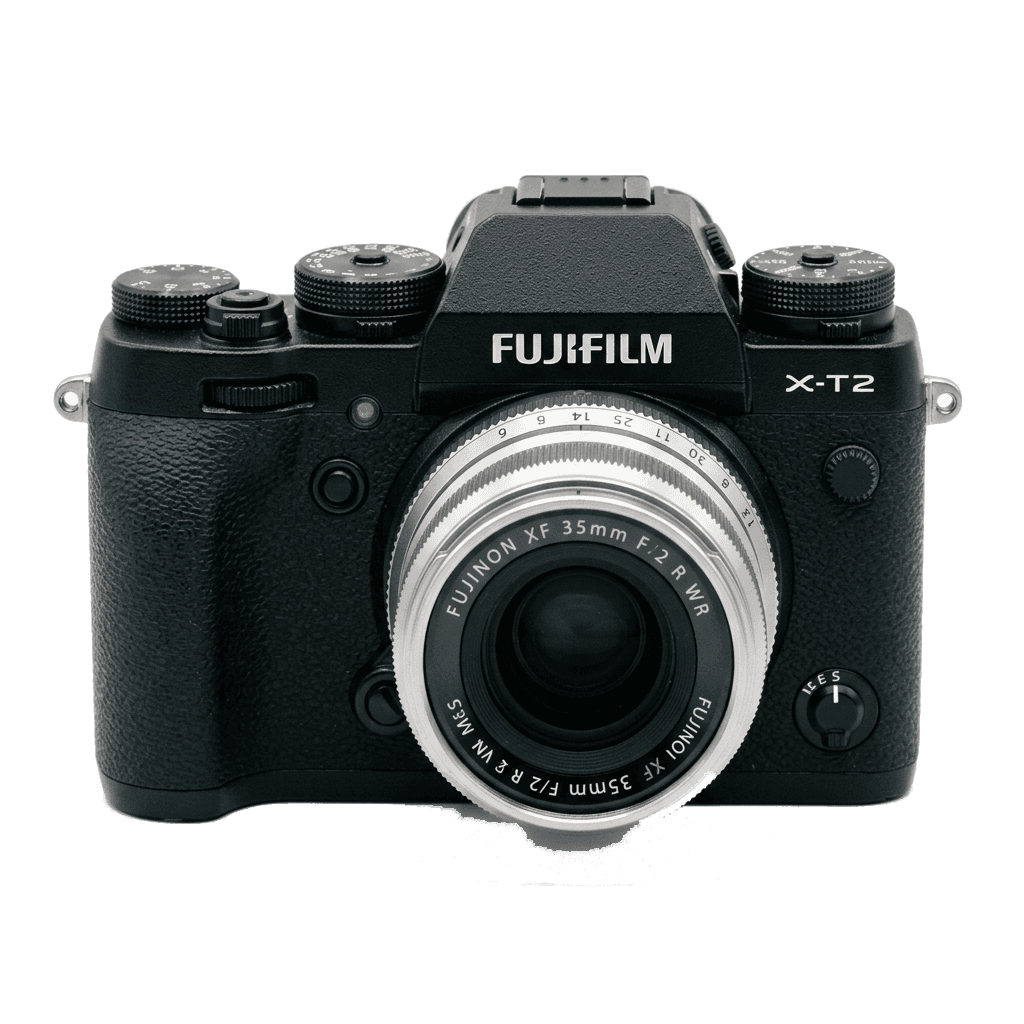
Fujifilm X-T2

Five Fujifilm X-T2 film simulation recipes are listed here, each checked on the camera's 24.3 MP X-Trans III sensor. Three use Classic Chrome; the others draw on PRO Neg. Std and Acros. X-T2 recipes help anyone who likes dials and a DSLR-style grip to set a look once, then shoot ready-to-share JPEGs instead of editing raw files.
5
호환 레시피
15
필름 시뮬레이션
24.3 MP
센서
X-T2 studio product photo
주요 사양

X-T2 안에는 무엇이 있나.

FujiPic의 모든 레시피는 바로 이 바디에서 검증했습니다. 사양은 후지필름 공식 자료를 바탕으로, 필름 시뮬레이션에 영향을 주는 항목에 설명을 덧붙였습니다.

전체 사양 ↗
센서 계열

X-T2는 X-Trans III를 씁니다. 이 센서의 특징을 확인해 보세요.

센서 보기 →
이 카메라의 레시피

X-T2에 맞춘 레시피 5개.

전체 보기 ↗
설정 참고

레시피를 넣기 전에 알아둘 세 가지.

  1. 01

    펌웨어 업데이트

    X-T2의 펌웨어를 최신으로 유지하세요. 최근 레시피는 예전 펌웨어에 없는 항목을 사용하기도 합니다.

  2. 02

    C 슬롯 활용하기

    각 레시피를 C1–C7 커스텀 프리셋에 저장해 두세요. 값을 다시 입력하지 않아도 Q 메뉴에서 바로 전환할 수 있습니다.

  3. 03

    오토 화이트밸런스

    FujiPic 레시피 대부분은 오토 화이트밸런스에 켈빈 시프트를 더해 씁니다. 시프트만 설정하고 색온도는 카메라에 맡기세요.

자주 묻는 질문

이 카메라에 대하여.

The X-T2 supports X-Trans III recipes, including Classic Chrome and Acros, but not Classic Negative.
The X-T2 lacks IBIS but features dual SD card slots, enhancing storage flexibility.
Access the shooting menu, select 'Edit/Save Custom Setting', choose a slot, and adjust the settings.
Three of the five FujiPic recipes for the X-T2 start from Classic Chrome; the others use PRO Neg. Std and Acros. All three, covered in our complete guide to Fujifilm film simulations, are built into the X-T2, so every listed recipe works.
Faded Agfa Green is listed first among FujiPic's top X-T2 recipes, followed by Warm Amber and Soft Chrome Roll. Start by saving two or three with our C1–C7 custom slot guide and compare them in the same light.
Yes. The X-T2 has Grain Effect with Weak and Strong strengths. FujiPic's grain guide notes that older bodies like this lack the size setting of newer cameras, so drop any grain size value from a newer recipe on the FujiPic home page.
비슷한 카메라

X-T2를 쓰신다면 이런 기종도 좋아하실 겁니다…