本文へスキップ
カメラX-T SERIES2022

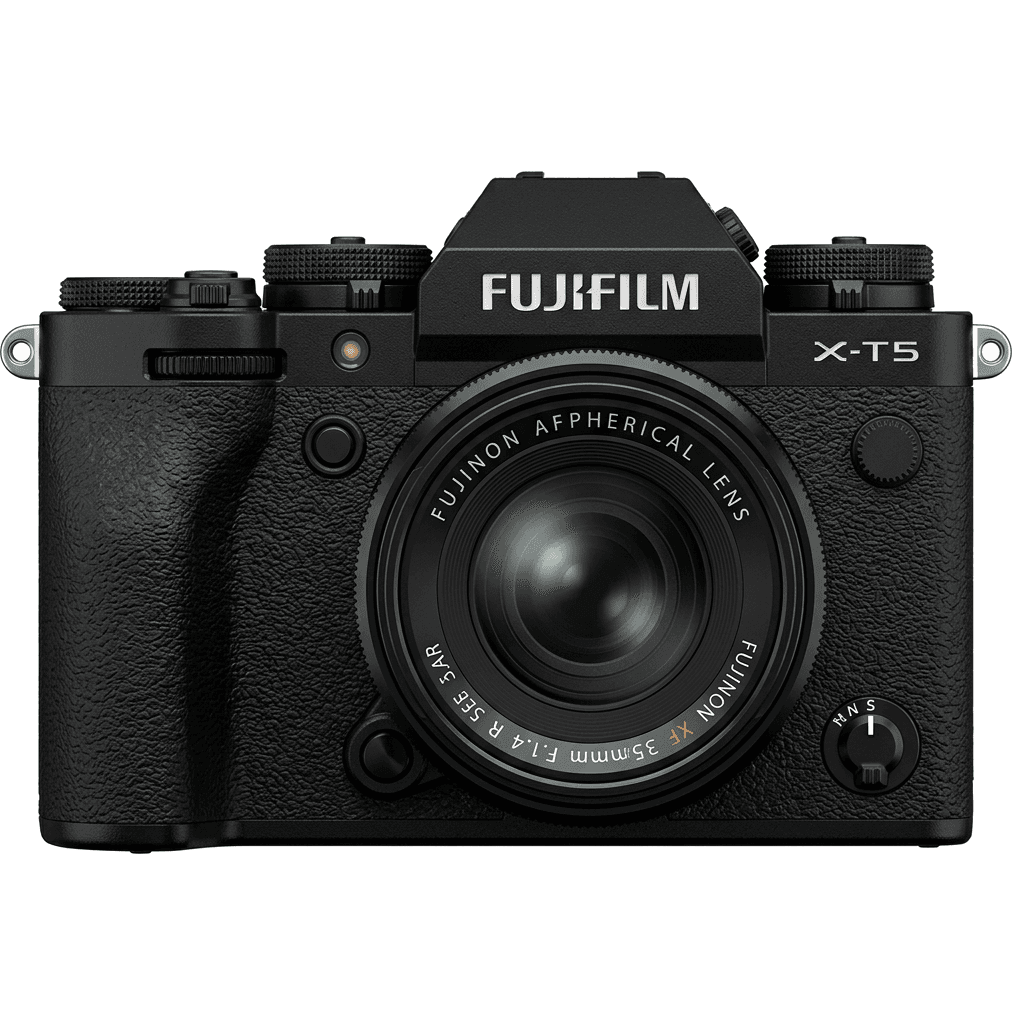
Fujifilm X-T5

Fujifilm X-T5 film simulation recipes let a 40.2 MP X-Trans V camera shoot like a film body, with the look set before you press the shutter. Choose from 52 tested X-T5 recipes. Photographers who like physical dials and want finished X-T5 JPEG settings will save time, because each look is stored once and recalled in seconds.
52
対応レシピ
20
フィルムシミュレーション
40.2 MP
センサー
X-T5 studio product photo
主なスペック

X-T5の中身。

FujiPicのすべてのレシピは、この機種で実際に検証しています。スペックは富士フイルムの公表値をもとに、フィルムシミュレーションに関わる項目についての注釈を添えています。

詳細スペック ↗
センサーシリーズ

X-T5はX-Trans Vを搭載しています。このセンサーの特長を見る。

センサーを見る →
このカメラのレシピ

X-T5向けに調整されたレシピ52件。

すべて見る ↗
設定のヒント

レシピを設定する前に知っておきたい3つのこと。

  1. 01

    ファームウェアを更新する

    X-T5のファームウェアを最新にしてください。新しいレシピは、古いファームウェアでは表示されない項目を使うことがあります。

  2. 02

    Cスロットを使う

    各レシピをC1〜C7のカスタム設定に登録しておきましょう。値を入れ直さなくても、Qメニューから瞬時に切り替えられます。

  3. 03

    オートホワイトバランス

    FujiPicのレシピの多くは、オートホワイトバランスにケルビンシフトを組み合わせています。シフト量だけ設定し、色温度はカメラに任せてください。

よくある質問

このカメラについて。

The X-T5 supports all X-Trans V recipes, such as Nostalgic Neg. and Reala Ace, fully featured.
Yes, the X-T5 features 5-axis In-Body Image Stabilisation (IBIS) with up to 7 stops of stabilisation.
To add a recipe, access the menu, select Film Simulation, customise settings, and save it to a C1–C7 slot.
Start with three different moods from the FujiPic list: Expired Reala Warmth for warm tones, Astia Reverie for softer scenes and Night Reversal after dark. Our must-try X-T5 recipes post walks through more first picks with sample images.
You can enter X-T4 recipe values on the X-T5, but results may differ. The X-T4 is X-Trans IV, while the X-T5 uses the newer X-Trans V family. For a reliable match, use X-T5-tested recipes, then save recipes to all seven slots.
Yes. The recipe only shapes the JPEG, so RAW+JPEG gives a finished image plus a full raw file. To change your mind, reprocess the raw file in camera with another of our film recipes for Fujifilm cameras or edit it later.
似ているカメラ

X-T5を使う方には、こちらもおすすめです。