
本文へスキップ
カメラX-H SERIES2022

Fujifilm X-H2S

What do Fujifilm X-H2S film simulation recipes actually change? They set film simulation, tone, grain and white balance shift in camera, so the 26.1 MP X-Trans V sensor writes a finished JPEG. FujiPic lists 53 X-H2S recipes. They suit event and everyday shooters who want to deliver finished files quickly.
53
対応レシピ
20
フィルムシミュレーション
26.1 MP
センサー
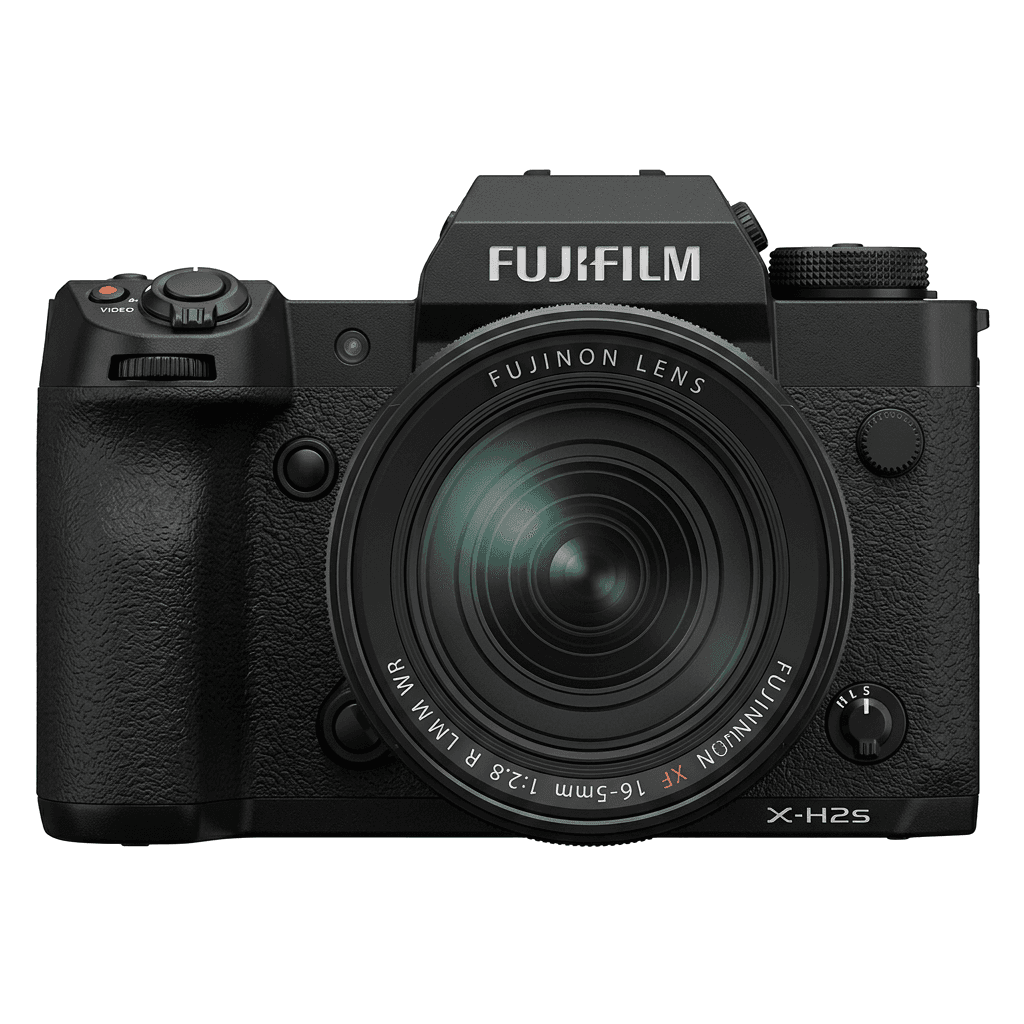
X-H2S studio product photo
主なスペック

X-H2Sの中身。

FujiPicのすべてのレシピは、この機種で実際に検証しています。スペックは富士フイルムの公表値をもとに、フィルムシミュレーションに関わる項目についての注釈を添えています。

詳細スペック ↗
センサーシリーズ

X-H2SはX-Trans Vを搭載しています。このセンサーの特長を見る。

センサーを見る →
このカメラのレシピ

X-H2S向けに調整されたレシピ53件。

すべて見る ↗
設定のヒント

レシピを設定する前に知っておきたい3つのこと。

  1. 01

    ファームウェアを更新する

    X-H2Sのファームウェアを最新にしてください。新しいレシピは、古いファームウェアでは表示されない項目を使うことがあります。

  2. 02

    Cスロットを使う

    各レシピをC1〜C7のカスタム設定に登録しておきましょう。値を入れ直さなくても、Qメニューから瞬時に切り替えられます。

  3. 03

    オートホワイトバランス

    FujiPicのレシピの多くは、オートホワイトバランスにケルビンシフトを組み合わせています。シフト量だけ設定し、色温度はカメラに任せてください。

よくある質問

このカメラについて。

All X-Trans V recipes, including Nostalgic Neg. and Reala Ace, work on the X-H2S.
Yes, the X-H2S features 5-axis in-body image stabilisation up to 7 stops.
Go to 'Image Quality Setting', select 'Edit/Save Custom Setting', choose a slot, adjust settings, and save.
Very close. The X-H2S and X-T5 both use the X-Trans V sensor family, so the same FujiPic film simulation recipes give a matching look. The X-T5 records 40.2 MP files and the X-H2S 26.1 MP, which changes detail, not the recipe's character.
Try night-focused looks from the FujiPic list, such as Night Reversal, Late Night Print and Tungsten Clean Frame. Pair them with the X-H2S stabilization for slower handheld shots, and see our night photography recipes guide for more options.
Yes. The X-H2S, like other X-Trans V bodies, offers Color Chrome Effect and Color Chrome FX Blue. Many recipes set these to Weak or Strong to deepen saturated tones, which is what Color Chrome Effect does, so enter them exactly as listed.
似ているカメラ

X-H2Sを使う方には、こちらもおすすめです。