
跳到主要内容
相机X-H SERIES2022

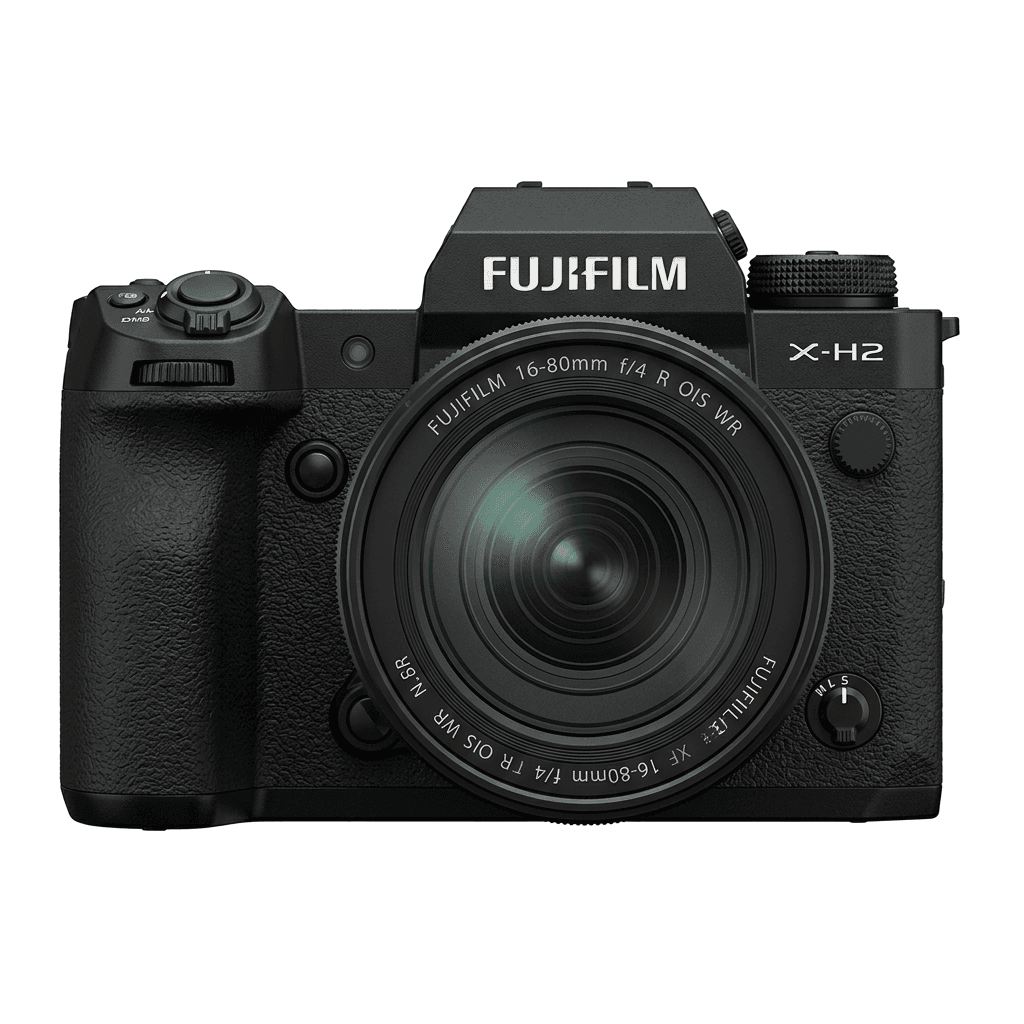
Fujifilm X-H2

Fujifilm X-H2 film simulation recipes are built to handle the fine detail of a 40.2 MP X-Trans V sensor. FujiPic has 53 X-H2 recipes, drawn from its 20 film simulations. This page is for hybrid and landscape shooters who want large, ready-to-use JPEGs, and a saved recipe cuts the hours usually spent processing big files.
53
兼容配方
20
胶片模拟
40.2 MP
传感器
X-H2 studio product photo
核心规格

X-H2 的内在。

FujiPic 上的每个配方都在这台机身上实测过。规格取自富士官方数据,并附上我们对胶片模拟相关功能的说明。

完整规格表 ↗
传感器系列

X-H2 使用 X-Trans V —— 看看这颗传感器有何特别。

了解传感器 →
这台相机的配方

为 X-H2 调校的 53 个配方。

查看全部 ↗
设置提示

套用配方前要知道的三件事。

  1. 01

    更新固件

    请确保你的 X-H2 已升级到最新固件——较新的配方会用到旧固件里没有的参数。

  2. 02

    善用 C 档位

    把每个配方存进 C1–C7 自定义预设。之后通过 Q 菜单即可秒切,无需重新输入数值。

  3. 03

    自动白平衡

    FujiPic 的多数配方使用自动白平衡加色温偏移。设定偏移量即可,色温交给相机处理。

常见问题

关于这台相机。

The X-H2 supports all X-Trans V recipes, including Nostalgic Neg. and Reala Ace.
Yes, the X-H2 features 5-axis in-body image stabilisation (IBIS) up to 7 stops.
Navigate to the Image Quality Setting menu, select your Film Simulation, adjust settings, and save to a custom slot.
Yes. Both use the X-Trans V sensor family, so a recipe from FujiPic's Fujifilm recipes for every camera works on either body with the same values. The X-H2 records 40.2 MP files and the X-H2S 26.1 MP, but the look stays consistent.
The X-H2 has seven custom setting slots. With a C1–C7 recipe setup, each slot stores a complete recipe, so you can keep separate looks for daylight, portraits, night scenes and black-and-white work, then switch between them quickly from the Q menu.
Yes. Use RAW conversion in the X-H2 playback menu to reprocess a raw file with a different film simulation, white balance shift, tone and grain. This lets you test recipes, or compare grain effect sizes and settings, on one frame without reshooting.
相似机型

如果你用 X-H2,也许会喜欢……