
本文へスキップ
カメラX-S SERIES2023

Fujifilm X-S20

Fujifilm X-S20 film simulation recipes are saved settings that make this DSLR-style body produce film-like JPEGs on its own. Our library holds 53 X-S20 recipes for its 26.1 MP sensor and X-Processor 5. New Fujifilm owners and hybrid creators get a simple win: pick a look, store it on the mode dial and start shooting.
53
対応レシピ
20
フィルムシミュレーション
26.1 MP
センサー
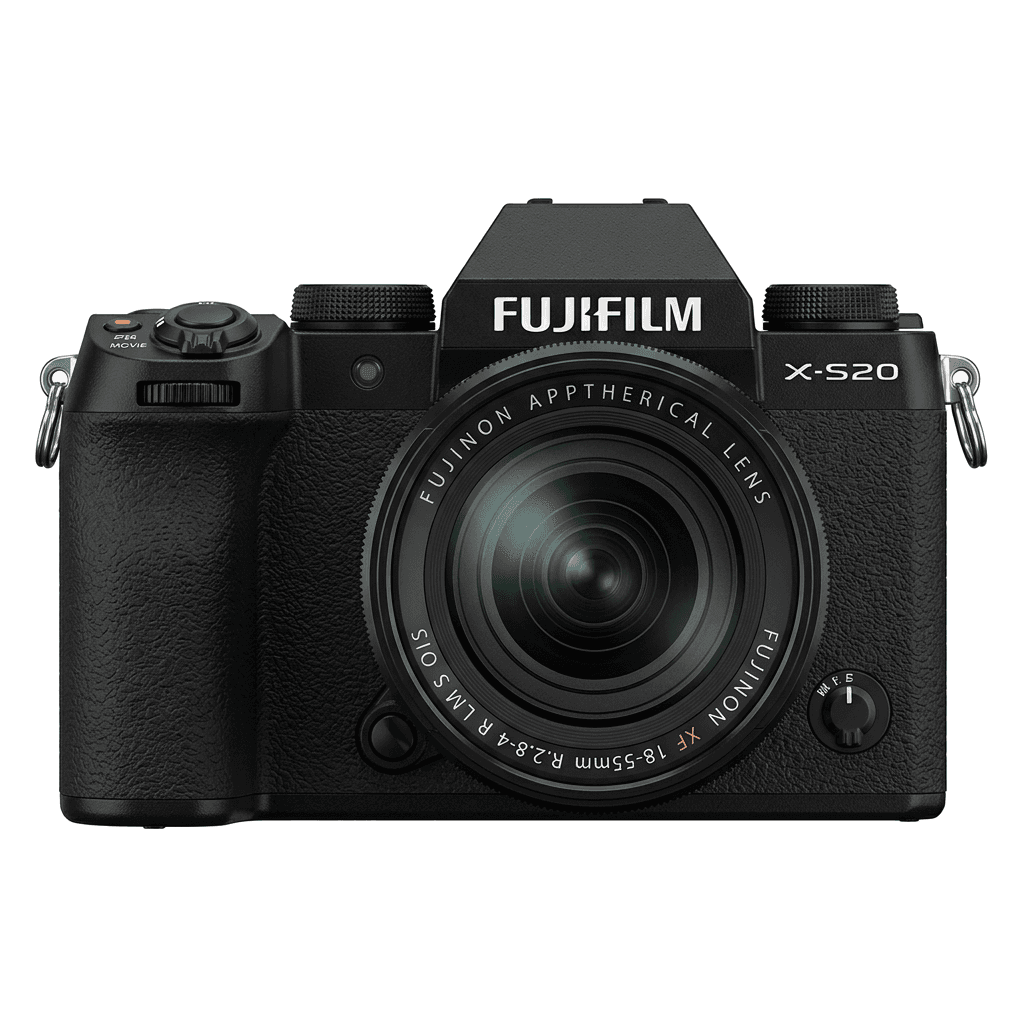
X-S20 studio product photo
主なスペック

X-S20の中身。

FujiPicのすべてのレシピは、この機種で実際に検証しています。スペックは富士フイルムの公表値をもとに、フィルムシミュレーションに関わる項目についての注釈を添えています。

詳細スペック ↗
センサーシリーズ

X-S20はX-Trans Vを搭載しています。このセンサーの特長を見る。

センサーを見る →
このカメラのレシピ

X-S20向けに調整されたレシピ53件。

すべて見る ↗
設定のヒント

レシピを設定する前に知っておきたい3つのこと。

  1. 01

    ファームウェアを更新する

    X-S20のファームウェアを最新にしてください。新しいレシピは、古いファームウェアでは表示されない項目を使うことがあります。

  2. 02

    Cスロットを使う

    各レシピをC1〜C7のカスタム設定に登録しておきましょう。値を入れ直さなくても、Qメニューから瞬時に切り替えられます。

  3. 03

    オートホワイトバランス

    FujiPicのレシピの多くは、オートホワイトバランスにケルビンシフトを組み合わせています。シフト量だけ設定し、色温度はカメラに任せてください。

よくある質問

このカメラについて。

The X-S20 supports X-Trans V recipes, including Nostalgic Neg. and Reala Ace.
Yes, the X-S20 features 5-axis IBIS, offering up to 7 stops of stabilisation.
Navigate to 'Image Quality' in the menu, select 'Custom Settings', choose a slot, input your settings, and save.
For recipes, treat the X-S20 as an X-Trans V camera. It runs the newer fifth-generation film simulation options, including Nostalgic Neg. and Reala Ace, so the FujiPic recipe collection lists it with X-Trans V bodies. Older X-Trans IV recipes may render differently.
The X-S20 mode dial has four custom positions, C1 to C4, covered in our custom slot setup guide. Each holds a full recipe, for example a warm negative, a clean daylight look, a night recipe or a black-and-white option.
Usually not. In camera, a recipe sets film simulation, tone, grain and white balance shift, which our white balance shift explained guide covers, so the X-S20 writes a finished JPEG. Share it straight away and fine-tune exposure or cropping only when needed.
似ているカメラ

X-S20を使う方には、こちらもおすすめです。