
本文へスキップ
カメラX-PRO SERIES2016

Fujifilm X-Pro2

FujiPic's Fujifilm X-Pro2 film simulation recipes give this rangefinder-style camera five tested looks, from Faded Agfa Green to High Contrast Roll. Each is tuned for the 24.3 MP X-Trans III sensor and its 15 film simulations. Photographers who want a weather-sealed body for daily walks get repeatable JPEG results, saved once and recalled in seconds.
5
対応レシピ
15
フィルムシミュレーション
24.3 MP
センサー
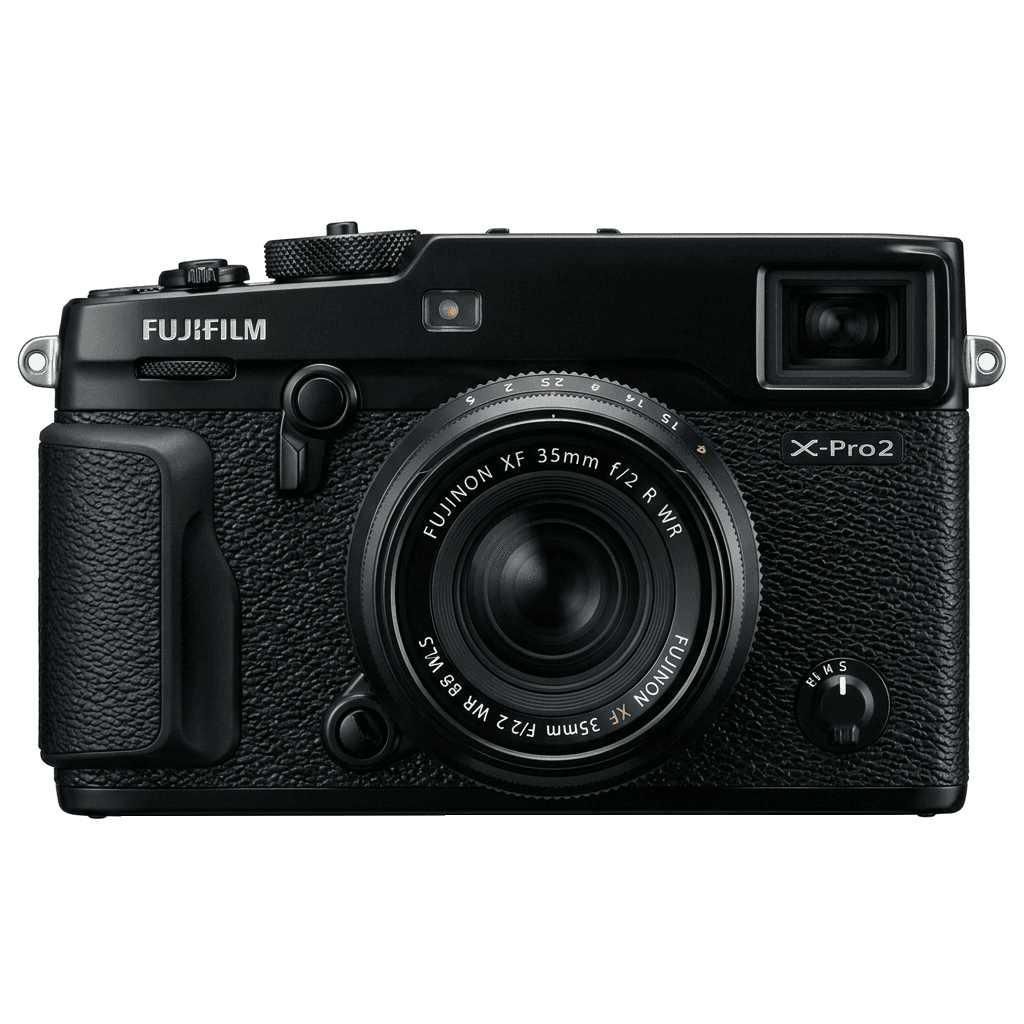
X-Pro2 studio product photo
主なスペック

X-Pro2の中身。

FujiPicのすべてのレシピは、この機種で実際に検証しています。スペックは富士フイルムの公表値をもとに、フィルムシミュレーションに関わる項目についての注釈を添えています。

詳細スペック ↗
センサーシリーズ

X-Pro2はX-Trans IIIを搭載しています。このセンサーの特長を見る。

センサーを見る →
このカメラのレシピ

X-Pro2向けに調整されたレシピ5件。

すべて見る ↗
設定のヒント

レシピを設定する前に知っておきたい3つのこと。

  1. 01

    ファームウェアを更新する

    X-Pro2のファームウェアを最新にしてください。新しいレシピは、古いファームウェアでは表示されない項目を使うことがあります。

  2. 02

    Cスロットを使う

    各レシピをC1〜C7のカスタム設定に登録しておきましょう。値を入れ直さなくても、Qメニューから瞬時に切り替えられます。

  3. 03

    オートホワイトバランス

    FujiPicのレシピの多くは、オートホワイトバランスにケルビンシフトを組み合わせています。シフト量だけ設定し、色温度はカメラに任せてください。

よくある質問

このカメラについて。

The X-Pro2 supports X-Trans III recipes, but lacks newer features like Classic Negative.
The X-Pro2 does not have IBIS but features dual SD card slots, supporting UHS-II and UHS-I.
To add a recipe, select a custom slot, adjust settings, save, and name for easy recall.
There are five Fujifilm recipes on FujiPic for the X-Pro2: Faded Agfa Green, Warm Amber, Soft Chrome Roll, Hard Light Chrome and High Contrast Roll. They use Classic Chrome, PRO Neg. Std and Acros, all available on this X-Trans III body.
Yes. FujiPic describes the X-Pro2 as weather sealed, which helps when you shoot outdoors in changing weather. Sealing does not change how a recipe renders; the look comes from saved settings, such as Grain Effect settings, and the X-Trans III sensor.
Yes. The X-T2, X-T20 and X100F share the X-Pro2's 24.3 MP X-Trans III sensor, and FujiPic lists the same five recipes for each. Once you know how to save recipes in C1–C7, X-Pro2 settings carry over with comparable results.
似ているカメラ

X-Pro2を使う方には、こちらもおすすめです。