Ir al contenido principal
CámaraX-H SERIES2022

Fujifilm X-H2

Fujifilm X-H2 film simulation recipes are built to handle the fine detail of a 40.2 MP X-Trans V sensor. FujiPic has 53 X-H2 recipes, drawn from its 20 film simulations. This page is for hybrid and landscape shooters who want large, ready-to-use JPEGs, and a saved recipe cuts the hours usually spent processing big files.
53
Recetas compatibles
20
Simulaciones de película
40.2 MP
Sensor
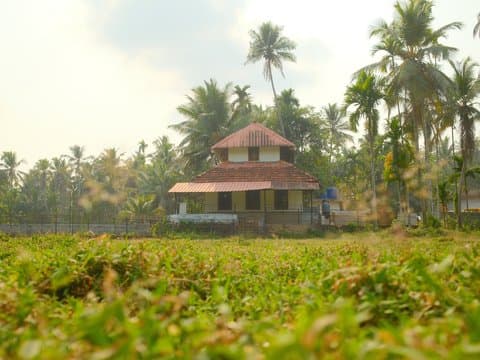
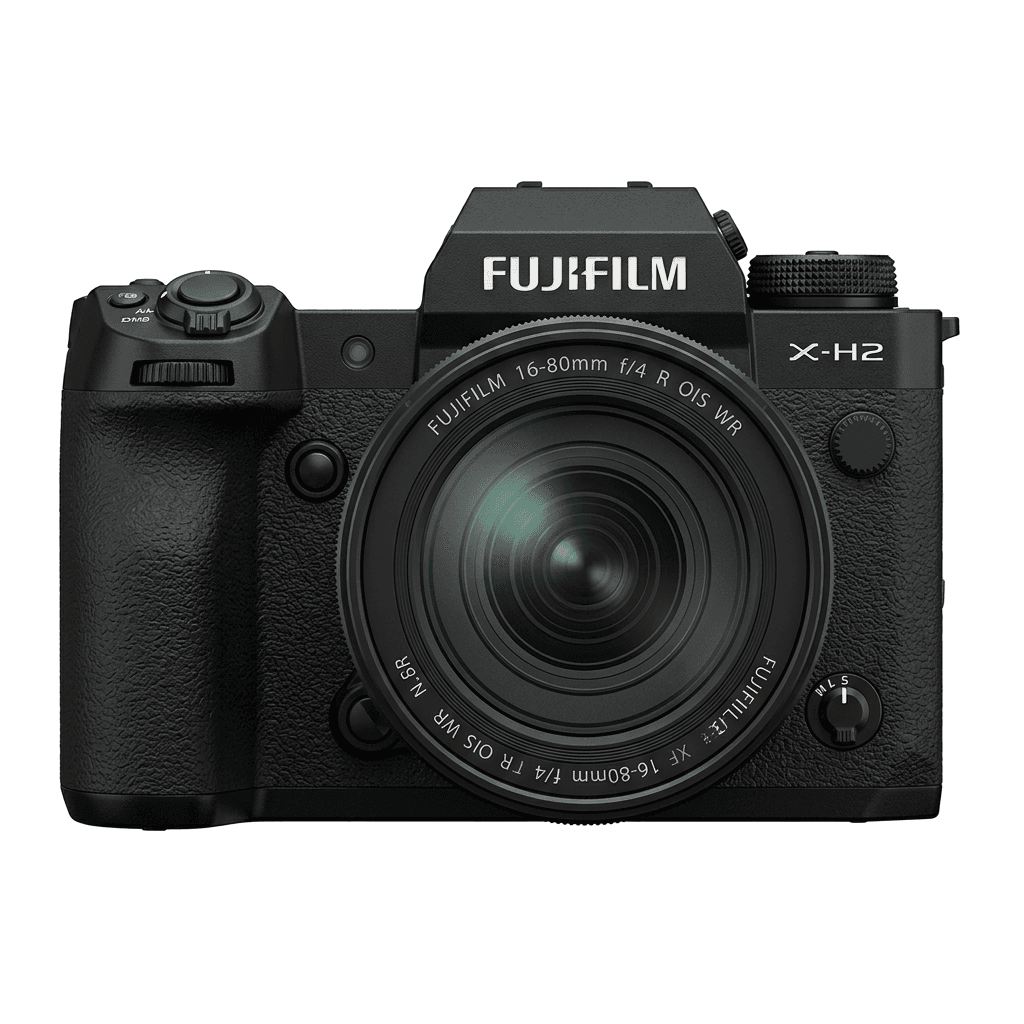
X-H2 studio product photo
Especificaciones

Lo que hay dentro de la X-H2.

Cada receta de FujiPic se prueba en este cuerpo concreto. Ficha técnica directa de Fujifilm, con nuestras notas sobre las funciones que importan para la simulación de película.

Ficha técnica completa ↗
Familia de sensores

La X-H2 usa el X-Trans V: descubre qué hace especial a este sensor.

Ver sensor →
Recetas para esta cámara

53 recetas ajustadas para la X-H2.

Ver todas ↗
Notas de configuración

Tres cosas que conviene saber antes de aplicar una receta.

  1. 01

    Actualiza el firmware

    Asegúrate de que tu X-H2 tiene el firmware más reciente: las recetas nuevas usan parámetros que el firmware antiguo no expone.

  2. 02

    Usa las posiciones C

    Guarda cada receta en un preajuste C1–C7. Así cambias al instante desde el menú Q en lugar de reintroducir valores.

  3. 03

    Balance de blancos automático

    La mayoría de recetas de FujiPic usan balance de blancos automático con un desplazamiento en kelvin. Ajusta el desplazamiento y deja la temperatura a la cámara.


Preguntas frecuentes

Sobre esta cámara.

The X-H2 supports all X-Trans V recipes, including Nostalgic Neg. and Reala Ace.
Yes, the X-H2 features 5-axis in-body image stabilisation (IBIS) up to 7 stops.
Navigate to the Image Quality Setting menu, select your Film Simulation, adjust settings, and save to a custom slot.
Yes. Both use the X-Trans V sensor family, so a recipe from FujiPic's Fujifilm recipes for every camera works on either body with the same values. The X-H2 records 40.2 MP files and the X-H2S 26.1 MP, but the look stays consistent.
The X-H2 has seven custom setting slots. With a C1–C7 recipe setup, each slot stores a complete recipe, so you can keep separate looks for daylight, portraits, night scenes and black-and-white work, then switch between them quickly from the Q menu.
Yes. Use RAW conversion in the X-H2 playback menu to reprocess a raw file with a different film simulation, white balance shift, tone and grain. This lets you test recipes, or compare grain effect sizes and settings, on one frame without reshooting.
Cámaras similares

Si disparas con la X-H2, te gustará...