
Zum Hauptinhalt springen
KameraX-H SERIES2022

Fujifilm X-H2

Fujifilm X-H2 film simulation recipes are built to handle the fine detail of a 40.2 MP X-Trans V sensor. FujiPic has 53 X-H2 recipes, drawn from its 20 film simulations. This page is for hybrid and landscape shooters who want large, ready-to-use JPEGs, and a saved recipe cuts the hours usually spent processing big files.
53
Kompatible Rezepte
20
Filmsimulationen
40.2 MP
Sensor
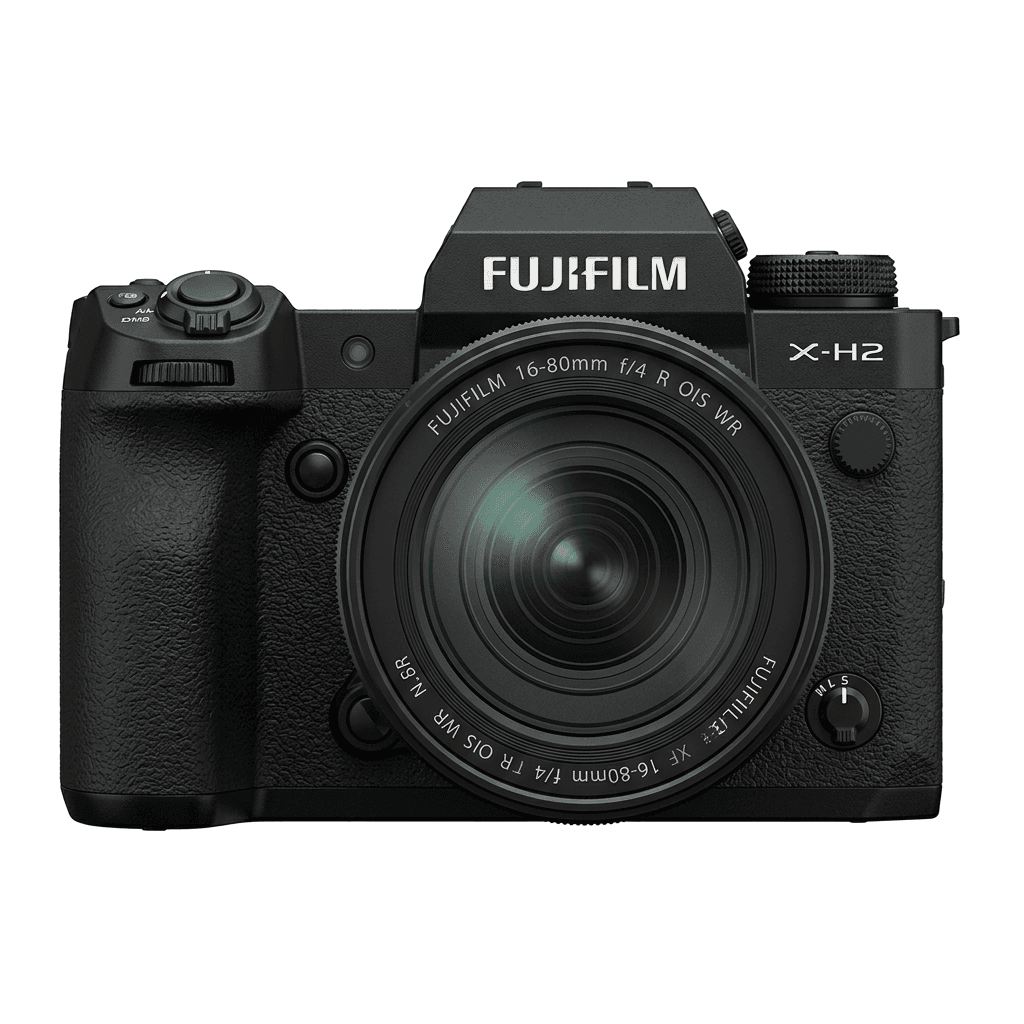
X-H2 studio product photo
Kurzdaten

Was in der X-H2 steckt.

Jedes Rezept auf FujiPic wurde an genau diesem Gehäuse getestet. Datenblatt direkt von Fujifilm, mit unseren Anmerkungen zu den Funktionen, die für Filmsimulationen zählen.

Vollständiges Datenblatt ↗
Sensorfamilie

X-H2 nutzt den X-Trans V - lies, was diesen Sensor besonders macht.

Sensor ansehen →
Rezepte für diese Kamera

53 Rezepte, abgestimmt auf die X-H2.

Alle ansehen ↗
Einrichtung

Drei Dinge, die du wissen solltest, bevor du ein Rezept anwendest.

  1. 01

    Firmware aktualisieren

    Stelle sicher, dass deine X-H2 auf der neuesten Firmware läuft - neuere Rezepte nutzen Parameter, die ältere Firmware nicht anbietet.

  2. 02

    C-Speicherplätze nutzen

    Speichere jedes Rezept auf einem C1–C7-Preset. So wechselst du über das Q-Menü sofort, statt Werte neu einzugeben.

  3. 03

    Automatischer Weißabgleich

    Die meisten FujiPic-Rezepte nutzen den automatischen Weißabgleich mit Kelvin-Verschiebung. Stelle die Verschiebung ein und überlass der Kamera die Temperatur.


FAQ

Über diese Kamera.

The X-H2 supports all X-Trans V recipes, including Nostalgic Neg. and Reala Ace.
Yes, the X-H2 features 5-axis in-body image stabilisation (IBIS) up to 7 stops.
Navigate to the Image Quality Setting menu, select your Film Simulation, adjust settings, and save to a custom slot.
Yes. Both use the X-Trans V sensor family, so a recipe from FujiPic's Fujifilm recipes for every camera works on either body with the same values. The X-H2 records 40.2 MP files and the X-H2S 26.1 MP, but the look stays consistent.
The X-H2 has seven custom setting slots. With a C1–C7 recipe setup, each slot stores a complete recipe, so you can keep separate looks for daylight, portraits, night scenes and black-and-white work, then switch between them quickly from the Q menu.
Yes. Use RAW conversion in the X-H2 playback menu to reprocess a raw file with a different film simulation, white balance shift, tone and grain. This lets you test recipes, or compare grain effect sizes and settings, on one frame without reshooting.
Ähnliche Kameras

Wenn du die X-H2 fotografierst, gefällt dir sicher...