
本文へスキップ
カメラX SERIES COMPACT2016

Fujifilm X70

Fujifilm X70 film simulation recipes on FujiPic start with one tested option: Kodak Timeless Chrome, made for the 16.3 MP X-Trans II sensor. It builds on Classic Chrome, one of the X70's 11 film simulations. The recipe fits pocket-camera users who want a film-like JPEG from a fixed-lens compact without opening an editing app.
1
対応レシピ
11
フィルムシミュレーション
16.3 MP
センサー
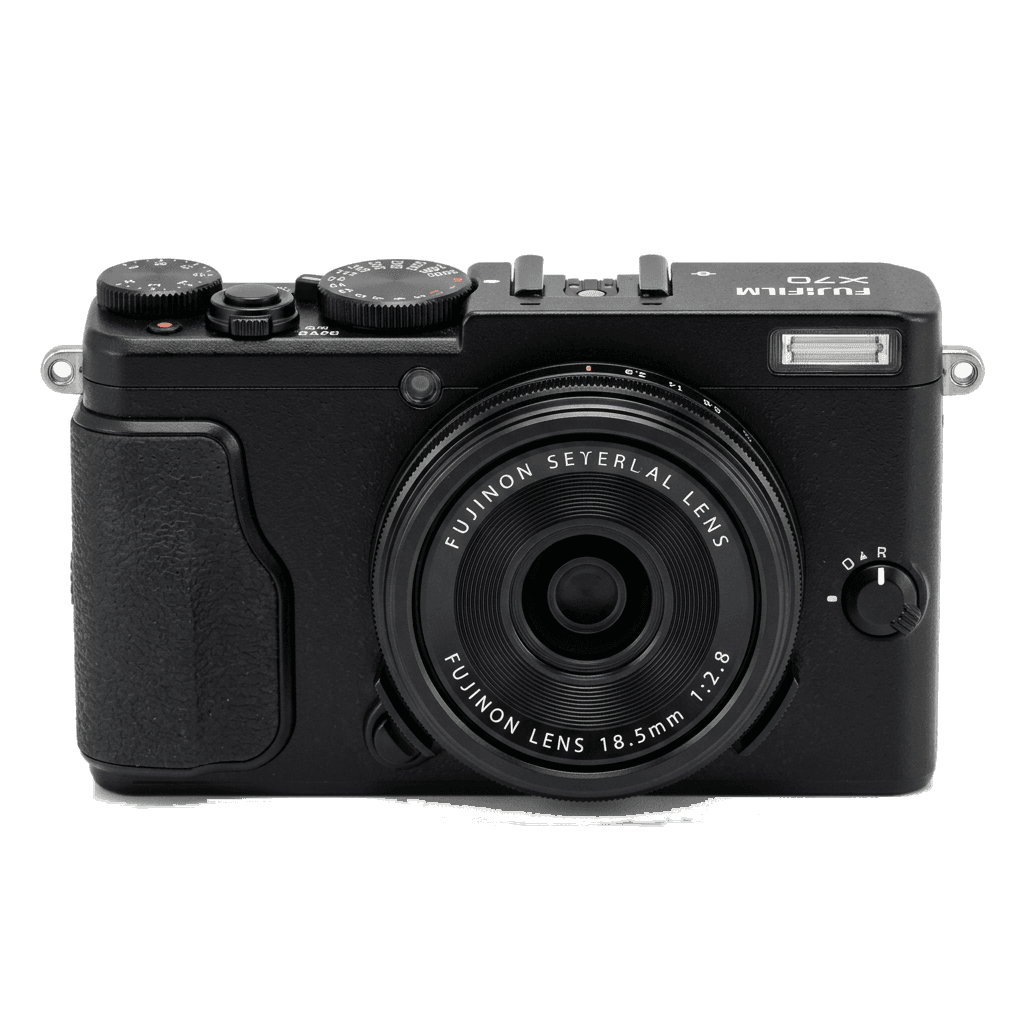
X70 studio product photo
主なスペック

X70の中身。

FujiPicのすべてのレシピは、この機種で実際に検証しています。スペックは富士フイルムの公表値をもとに、フィルムシミュレーションに関わる項目についての注釈を添えています。

詳細スペック ↗
センサーシリーズ

X70はX-Trans IIを搭載しています。このセンサーの特長を見る。

センサーを見る →
このカメラのレシピ

X70向けに調整されたレシピ1件。

すべて見る ↗
設定のヒント

レシピを設定する前に知っておきたい3つのこと。

  1. 01

    ファームウェアを更新する

    X70のファームウェアを最新にしてください。新しいレシピは、古いファームウェアでは表示されない項目を使うことがあります。

  2. 02

    Cスロットを使う

    各レシピをC1〜C7のカスタム設定に登録しておきましょう。値を入れ直さなくても、Qメニューから瞬時に切り替えられます。

  3. 03

    オートホワイトバランス

    FujiPicのレシピの多くは、オートホワイトバランスにケルビンシフトを組み合わせています。シフト量だけ設定し、色温度はカメラに任せてください。

よくある質問

このカメラについて。

The X70 supports X-Trans II era recipes like Classic Chrome but lacks newer simulations like Eterna.
The Fujifilm X70 lacks IBIS and has no card slots, as it's a fixed-lens compact design.
Navigate to the Image Quality Setting menu, select a custom slot, adjust your settings, and save them to the slot.
The Fujifilm X70 has 11 film simulations. Classic Chrome is one of them, and it is the base of Kodak Timeless Chrome, the one recipe FujiPic currently lists for the X70. Newer simulations added after X-Trans II are not included.
Yes. The X-T1 and the X70 both use a 16.3 MP X-Trans II sensor, so a recipe tested on the X-T1 can be entered on this compact with the same values. Expect similar results, since rendering follows the sensor, not body shape.
It is a practical choice for recipes in a small body. The X70 is a fixed-lens compact with Classic Chrome among its 11 simulations; FujiPic lists one tested recipe so far, and our film simulation recipes for beginners guide covers the basics.
似ているカメラ

X70を使う方には、こちらもおすすめです。