
Vai al contenuto principale
FotocameraX-E SERIES2013

Fujifilm X-E2

Fujifilm X-E2 film simulation recipes suit the rangefinder-style X-E2 and its 16.3 MP X-Trans II sensor. The body has 11 film simulations, and its one tested FujiPic recipe is built on Classic Chrome. For X-mount shooters who want one look across a full day, a saved recipe keeps frames consistent. Classic Negative recipes will not apply here.
1
Ricette compatibili
11
Simulazioni pellicola
16.3 MP
Sensore
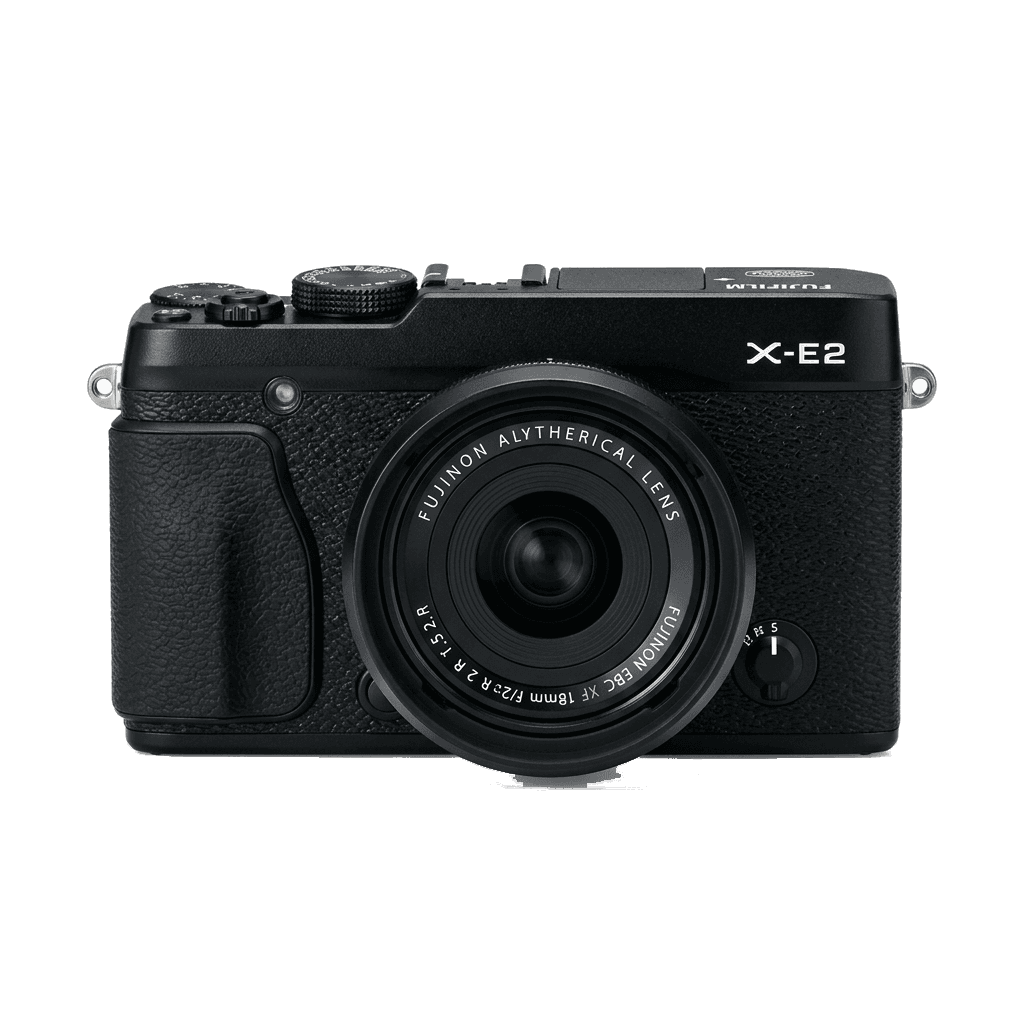
X-E2 studio product photo
Specifiche rapide

Cosa c'è dentro la X-E2.

Ogni ricetta su FujiPic è provata proprio su questo corpo. Scheda tecnica direttamente da Fujifilm, con le nostre note sulle funzioni che contano per le simulazioni pellicola.

Scheda tecnica completa ↗
Famiglia di sensori

La X-E2 usa il X-Trans II - scopri cosa rende speciale questo sensore.

Vedi il sensore →
Ricette per questa fotocamera

1 ricette tarate per la X-E2.

Vedi tutte ↗
Note di configurazione

Tre cose da sapere prima di applicare una ricetta.

  1. 01

    Aggiorna il firmware

    Assicurati che la tua X-E2 abbia il firmware più recente: le ricette nuove usano parametri che i firmware vecchi non espongono.

  2. 02

    Usa gli slot C

    Salva ogni ricetta in un preset personalizzato C1–C7. Poi passi da una all'altra dal menu Q, senza reinserire i valori.

  3. 03

    Bilanciamento del bianco auto

    La maggior parte delle ricette FujiPic usa il bilanciamento automatico con uno scostamento in kelvin. Imposta lo scostamento e lascia la temperatura alla fotocamera.

Domande frequenti

Su questa fotocamera.

The X-E2 can run recipes for X-Trans II sensors, missing newer features like Classic Negative.
No, the X-E2 lacks in-body image stabilisation, so rely on lens-based or external stabilisation.
Use the Q Menu to select and edit a custom slot, adjusting settings to your desired recipe.
Yes, in most cases. Both cameras use the X-Trans II sensor, and the Kodak Timeless Chrome recipe on FujiPic's home page lists the X-E2 and the X-E2S among its tested bodies. Settings saved on one should look very close on the other.
Usually not. The X-E4 has a 26 MP X-Trans IV sensor and simulations such as Classic Negative that the X-E2 lacks, so its recipes may name a base look you cannot select here. Compare how each Fujifilm film simulation looks.
The recipe FujiPic has tested on the X-E2, Kodak Timeless Chrome, starts from Classic Chrome. Select that simulation first, then enter the white balance, tone and other values before saving to a slot, as our article on Fujifilm recipe basics shows.
Fotocamere simili

Se scatti con la X-E2, ti piaceranno...