
CameraX-E SERIES2013

Fujifilm X-E2

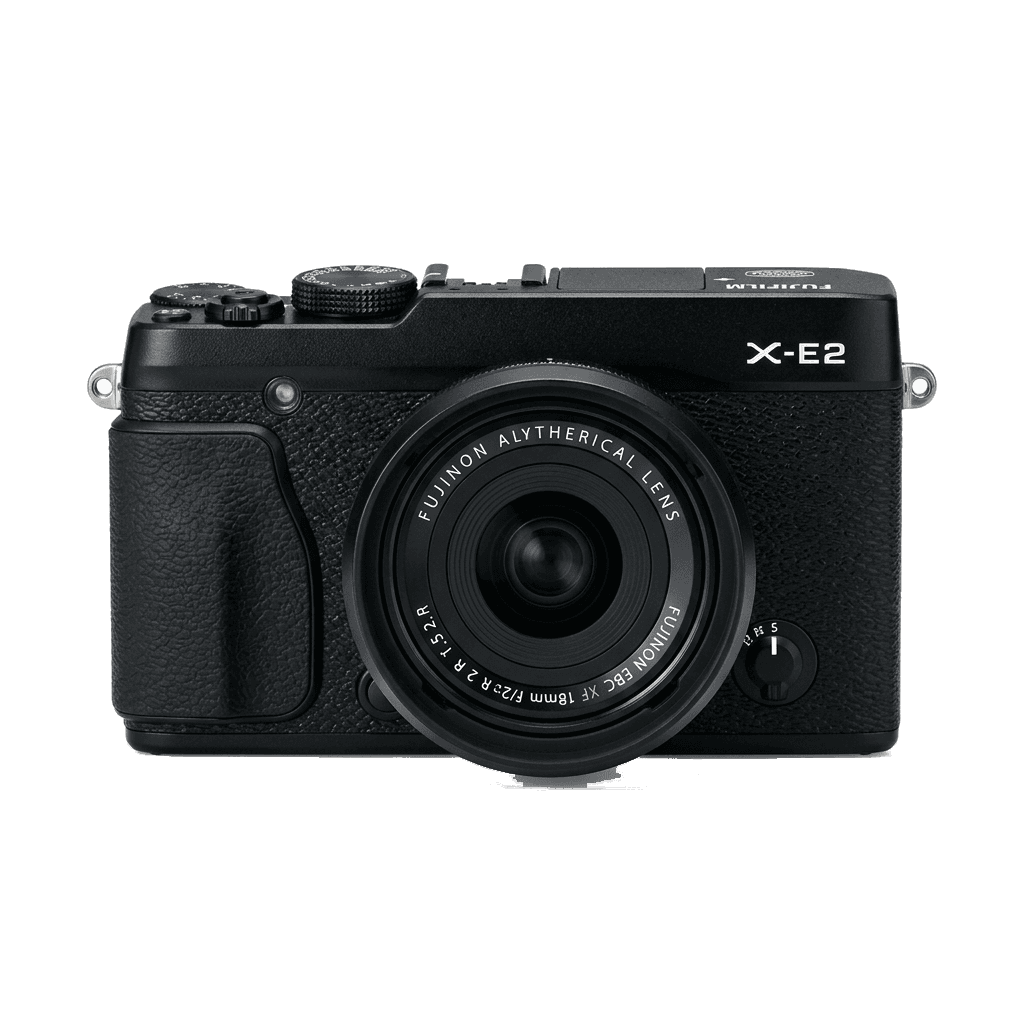
Fujifilm X-E2 film simulation recipes suit the rangefinder-style X-E2 and its 16.3 MP X-Trans II sensor. The body has 11 film simulations, and its one tested FujiPic recipe is built on Classic Chrome. For X-mount shooters who want one look across a full day, a saved recipe keeps frames consistent. Classic Negative recipes will not apply here.
1
Compatible Recipes
11
Film Simulations
16.3 MP
Sensor
X-E2 studio product photo
Quick specs

What's inside the X-E2.

Every recipe on FujiPic is tested against this exact body. Spec sheet straight from Fujifilm, with our notes on which features matter for film simulation work.

Full datasheet ↗
Sensor family

X-E2 uses the X-Trans II - read what makes this sensor special.

Explore sensor →
Recipes for this camera

1 recipes tuned for X-E2.

View all ↗
Setup notes

Three things to know before applying a recipe.

  1. 01

    Update firmware

    Make sure your X-E2 is on the latest firmware - newer recipes use parameters that older firmware does not expose.

  2. 02

    Use C-slots

    Save each recipe to a C1-C7 custom preset. Switch between them instantly via the Q menu instead of re-entering values.

  3. 03

    Auto white balance

    Most FujiPic recipes use Auto White Balance with a kelvin shift. Set the shift; let the camera handle the temp.

FAQ

About this camera.

The X-E2 can run recipes for X-Trans II sensors, missing newer features like Classic Negative.
No, the X-E2 lacks in-body image stabilisation, so rely on lens-based or external stabilisation.
Use the Q Menu to select and edit a custom slot, adjusting settings to your desired recipe.
Yes, in most cases. Both cameras use the X-Trans II sensor, and the Kodak Timeless Chrome recipe on FujiPic's home page lists the X-E2 and the X-E2S among its tested bodies. Settings saved on one should look very close on the other.
Usually not. The X-E4 has a 26 MP X-Trans IV sensor and simulations such as Classic Negative that the X-E2 lacks, so its recipes may name a base look you cannot select here. Compare how each Fujifilm film simulation looks.
The recipe FujiPic has tested on the X-E2, Kodak Timeless Chrome, starts from Classic Chrome. Select that simulation first, then enter the white balance, tone and other values before saving to a slot, as our article on Fujifilm recipe basics shows.
Similar cameras

If you shoot the X-E2, you'll like...